www.event-lighting.com.au
4
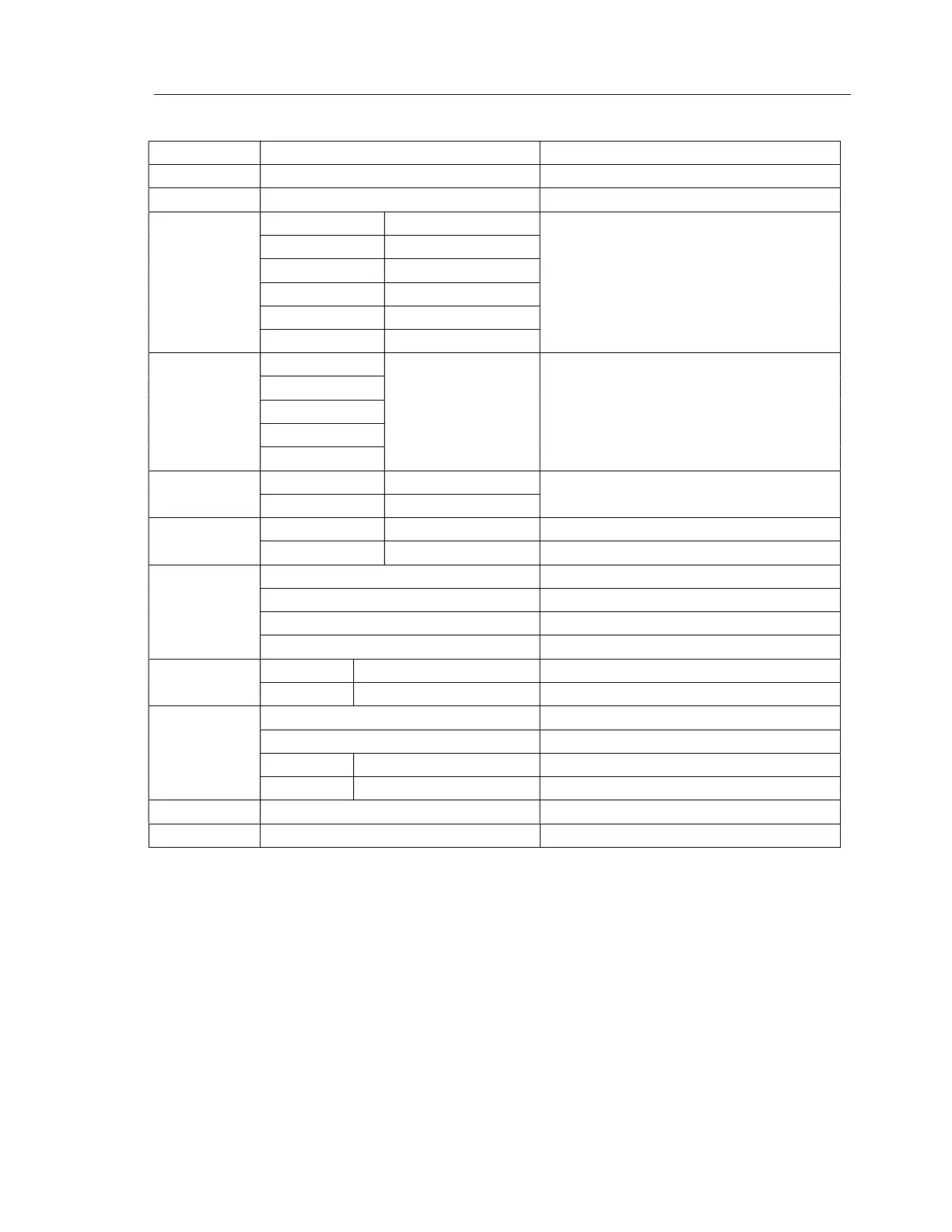
Menu Map
Display Options / Values Function
Address <001> to <512> Select DMX address
Channel 4, 5, 7, 13, 15, 31 Select DMX channel modes
DMX Monitor
Channel 4 Mode CH:01 to CH:04 Select DMX channel mode first, set up each
channel values to manual control according to
DMX chart.
Channel 5 Mode CH:01 to CH:05
Channel 7 Mode CH:01 to CH:07
Channel 13 Mode CH:01 to CH:13
Channel 15 Mode CH:01 to CH:15
Channel 31 Mode CH:01 to CH:31
Auto Auto00
Speed <000> to <255>
Select auto program and adjust auto run speed
Auto01
Auto02
….
Auto36
Effect
on Auto
Dimmer <000> to <255>
Adjust dimmer level and switch on strobe at
different speed for auto run
Strobe <000> to <255>
MAS mode Yes <Master> or <Slave> Select master or slave mode
No Switch off Master/Slave selection function
Back L
on Display background light always stays on
60s Display background light turns off after 60s
120s Display background light turns off after 120s
300s Display background light turns off after 300s
Temp Temp1 XXº Display current temperature on LED panel
Temp2 XXº Display current temperature on chassis
Info Test 1 Test mode without strobe
Test 2 Test mode with strobe
Reset Yes or No Recover to factory default
Version Display current version
Dimmer curve <Curve 0> - <Curve 3> Select dimming curve
Dimmer control <Speed 0> - <Speed 7> Select fade time
DMX Address
After select the “Address” and press “Enter”, use “Up” and “Down” button to select the desired DMX address, press
“Entre” to save new setting.
DMX Modes
After select the “Channel” and press “Enter”, use “Up” and “Down” button to select the desired DMX channel mode,
press “Entre” to save new setting.
DMX Monitor Mode
It is manual control mode according to DMX chart without DMX controller.


 To Next Page
 Loading...