28
3.12.1 Time Search
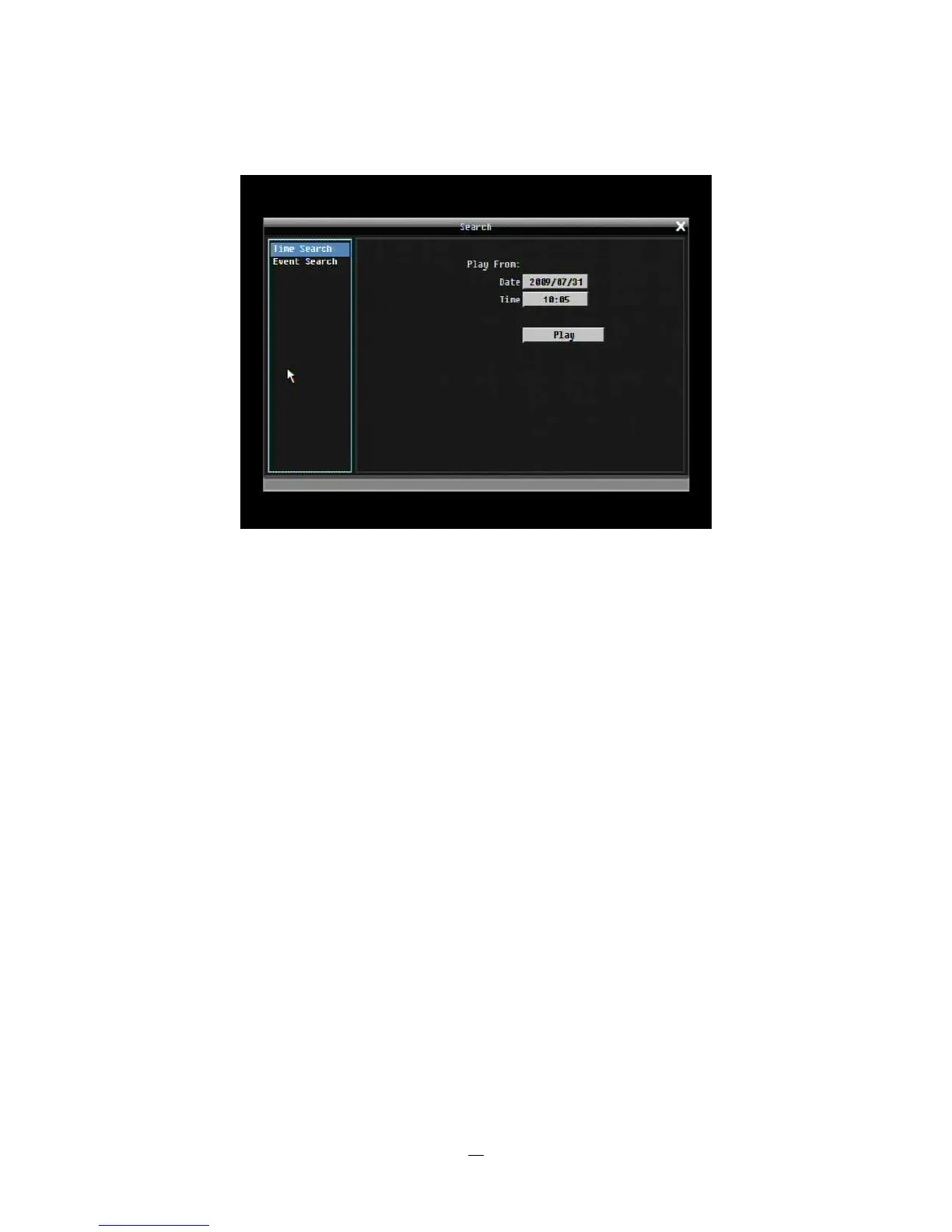
Figure 3-5 Search Menu – Time Search
Play From: Select the time to begin the search by choosing the Date and Time.
Click on the “Play” button to start the search. The DVR will automatically play the video being searched.
The DVR will play the nearest time if there is no data in selected time.
In search playback mode, press the “Stop” button to return to the search menu.















 To Next Page