40
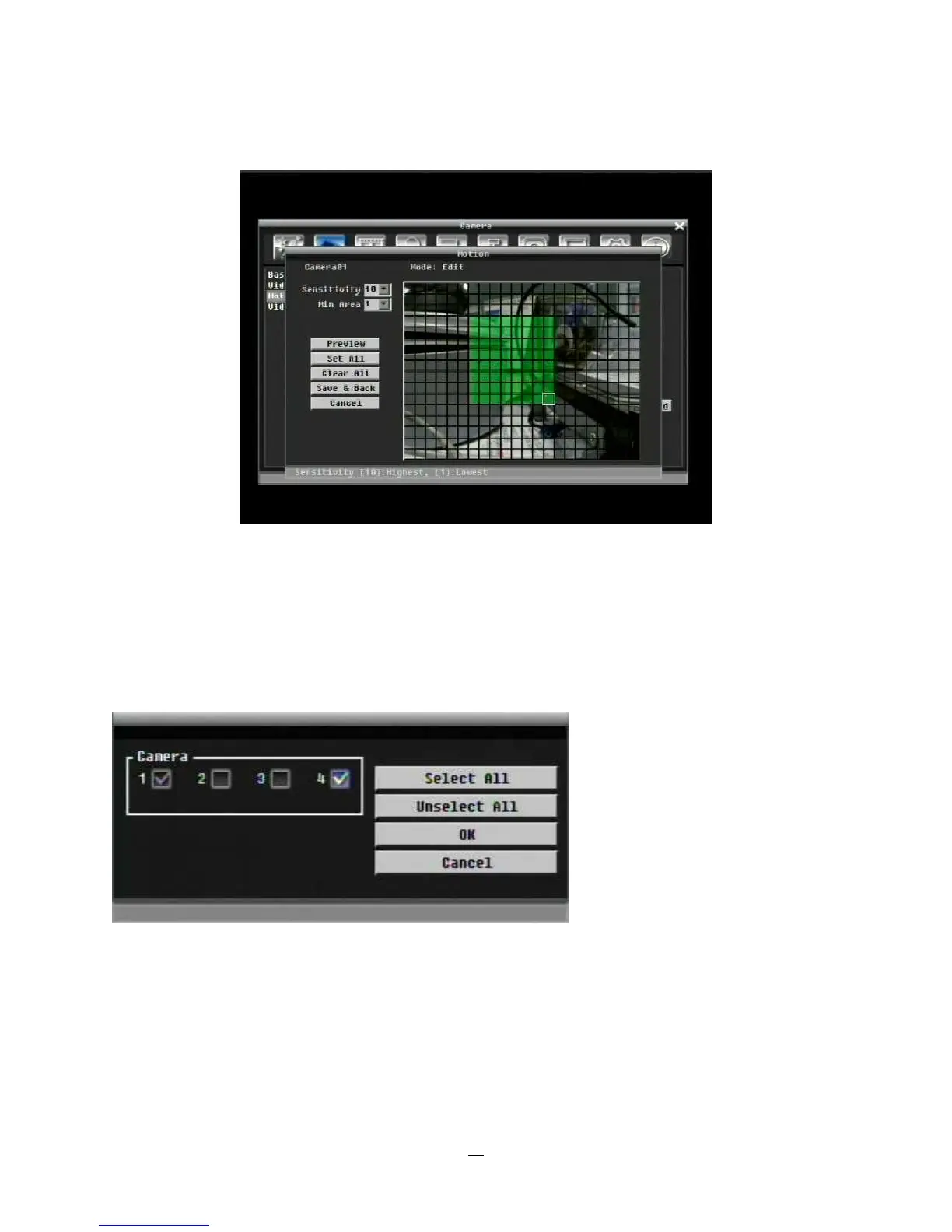
5. Press Enter key twice at the end point, and the area will be selected.
Figure 4-5 Camera Menu – Motion Grid Setting
Apply To: This button can be used to copy the motion settings to other cameras. Select which cameras
you wish to copy to. "Select All" selects all cameras, “Unselect All” deselects all cameras. Click “OK” to
copy the settings or "Cancel" to exit without copying.















 To Next Page