47
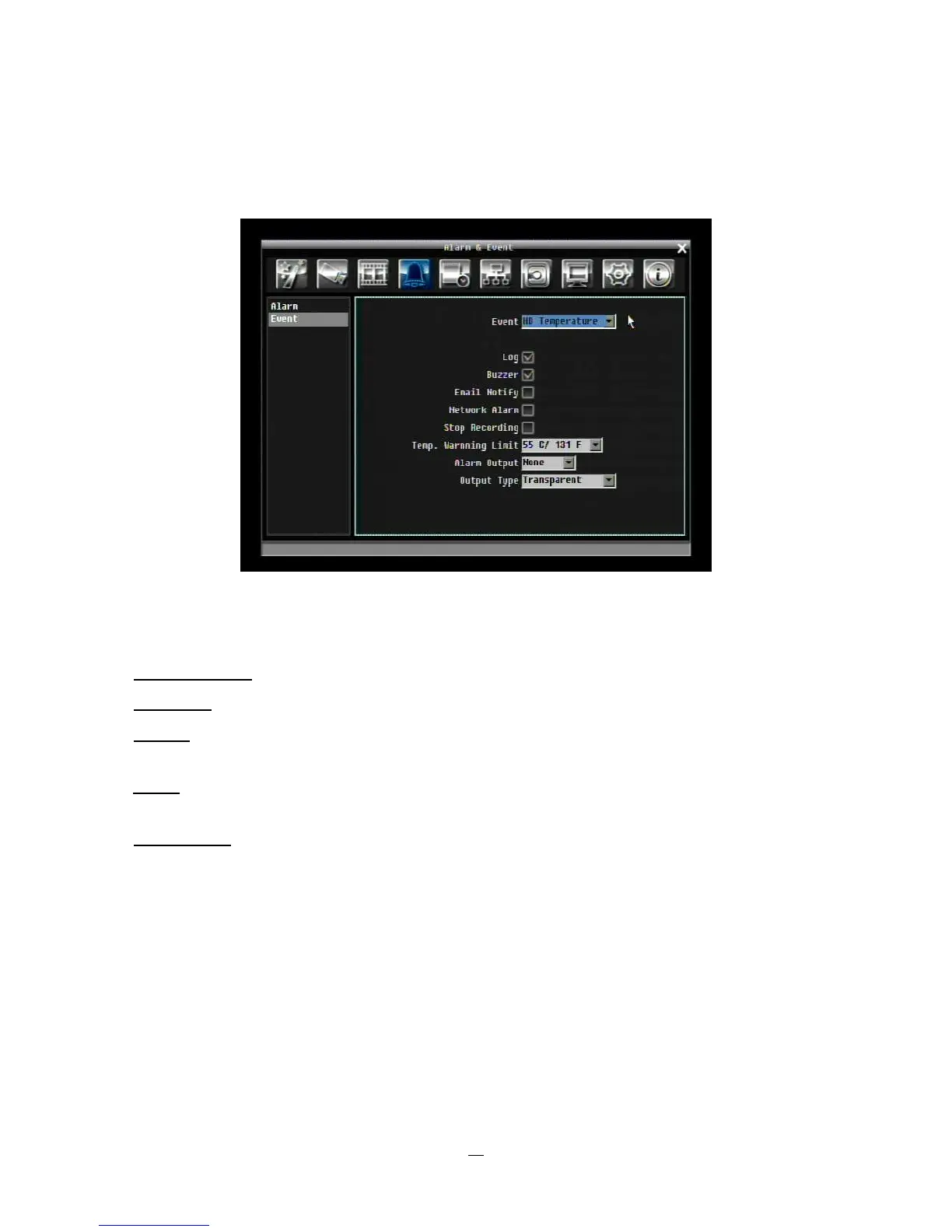
4.5.2 Event
This section covers notifications due to internal system event warnings.
Figure 4-11 Alarm & Event Menu – Event
Event: Select from the following event types.
HD Temperature: Hard drive is over the safety warning temperature
HD Failure: If DVR fails to detect the HDD on start up, the system will create an HD failure event.
HD Full: If the DVR is not set to Overwrite in the Record Menu, an event will be created when the HDD
is filled.
HD Off: If HDD are switched off or are removed, the DVR will create an HD OFF event.
Network Loss: If connection to the local network is lost, DVR will create a Network Loss event.
NOTE: This function only checks the physical connection (link) to the network. Any network behavior
that blocks data connectivity (blocked ports, IP addressing errors, etc.) is not detected by this function.















 To Next Page