17
ENGLISH
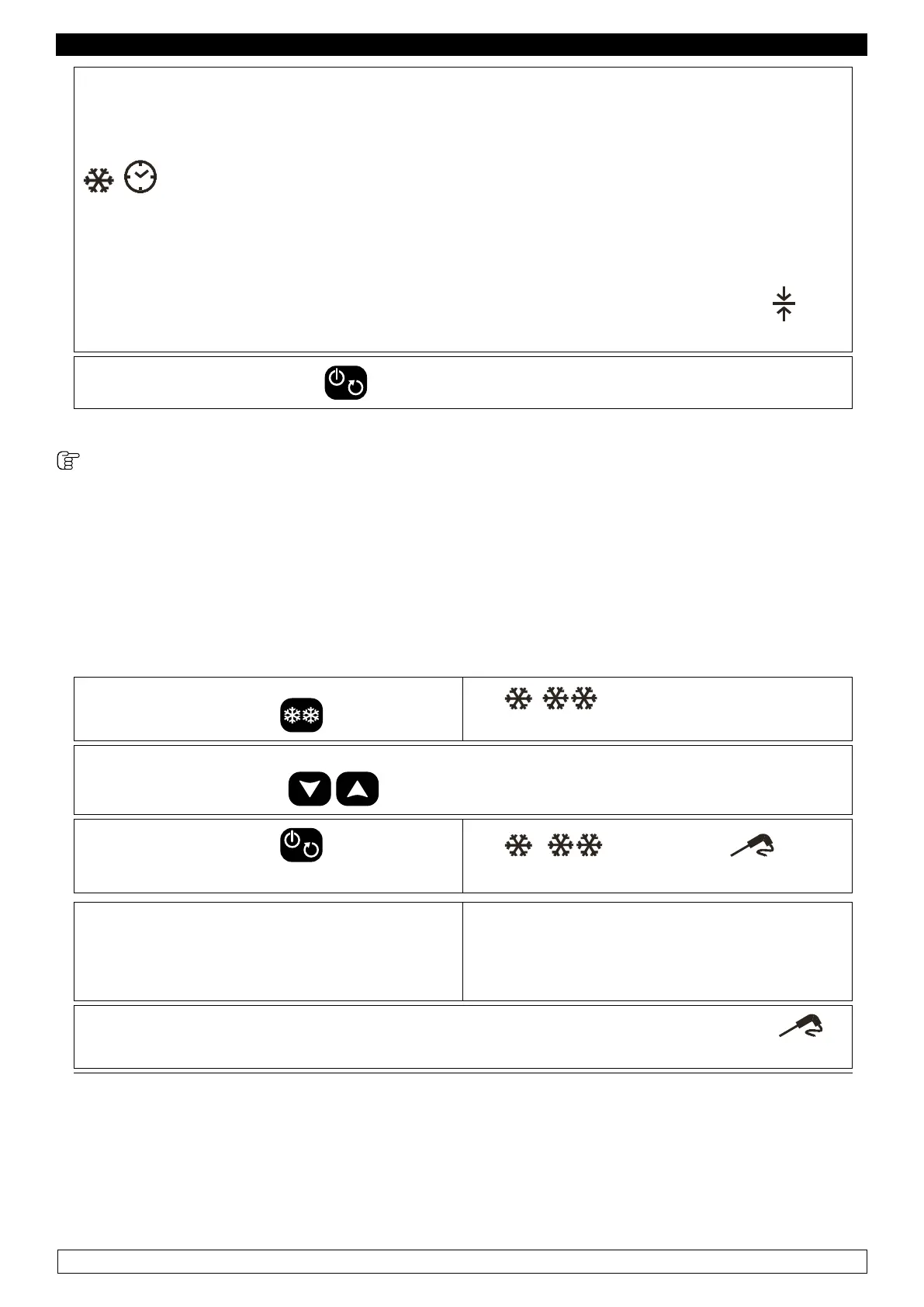
► Once the Hard chilling has been completed, according to the scheduled duration, the blast
chiller automatically switches to chilling SOFT.
► display shows the time remaining before the end of the chilling, the
, and min remain on
► Once the chilling has been completed, according to the scheduled duration, the blast chiller
automatically switches to storage.
► During storage, the display shows the temperature detected by the probe, and the icon
is on.
► To stop the cycle, press the key.
9.2.8 HARD FREEZING WITH CORE PROBE and subsequent storage
The freezing time-based and storage cycle consists in two phases:
► 1st phase:Hard freezing cycle (Room temp. setpoint -40°C; Core probe temp. setpoint -18°C)
► 2nd phase: Storage cycle (Room temp. setpoint -20°C)
- Make sure the blast chiller is in “ON” mode, that the keyboard is not locked (chapter 11) and that
no procedures are being carried out.
► Press and release the key
The , and HARD icons starts
ashing
The display shows the temperature setpoint during the chilling.
► It is possible to use the keys to modify this value
► Press and release the key within 20
seconds:
The
, , HARD and icon
remain on.
A test is carried out, to make sure the core
probe has been correctly inserted:
► If the test has a positive outcome, the
storing cycle with core probe is activated.
► If the test has a negative outcome, a time-
based chilling cycle is activated.
► During freezing, the display shows the temperature detected by the probe, and the
icon is on.


 To Next Page