10.1 display of alarms history for HACCP
Overview: Through the “HACCP” you can store up to 10 events after the most recent event
overwrites the oldest one.
The following table shows information relating to the HACCP alarms that the device is capable of
storing.
► With card in OFF press the HACCP button
for five seconds to enable the printing and
viewing of the alarm history.
The history is managed in a circular manner, and can contain a maximum of the last ten alarms that
have occurred by storing the alarm type, date and time at which it occurred, the duration in minutes
and the maximum temperature recorded in the cell during the alarm.
The input of a new alarm in the history is shown by the flashing of the dot of the right digit of the
display DIS1.
► To scroll through the information about each individual alarm press the PROGRAMS button
► To display the next alarm in the list press the INCREASE button
► To view the previous alarm press the DECREASE button.
.
► Pressing the ON/OFF button
switches the card back to OFF.
The maximum number of minutes that can be displayed is 999, corresponding to 16 hours and 39
minutes. If the alarm persists for a longer time, 999 is displayed flashing in the place where the
minutes are indicated
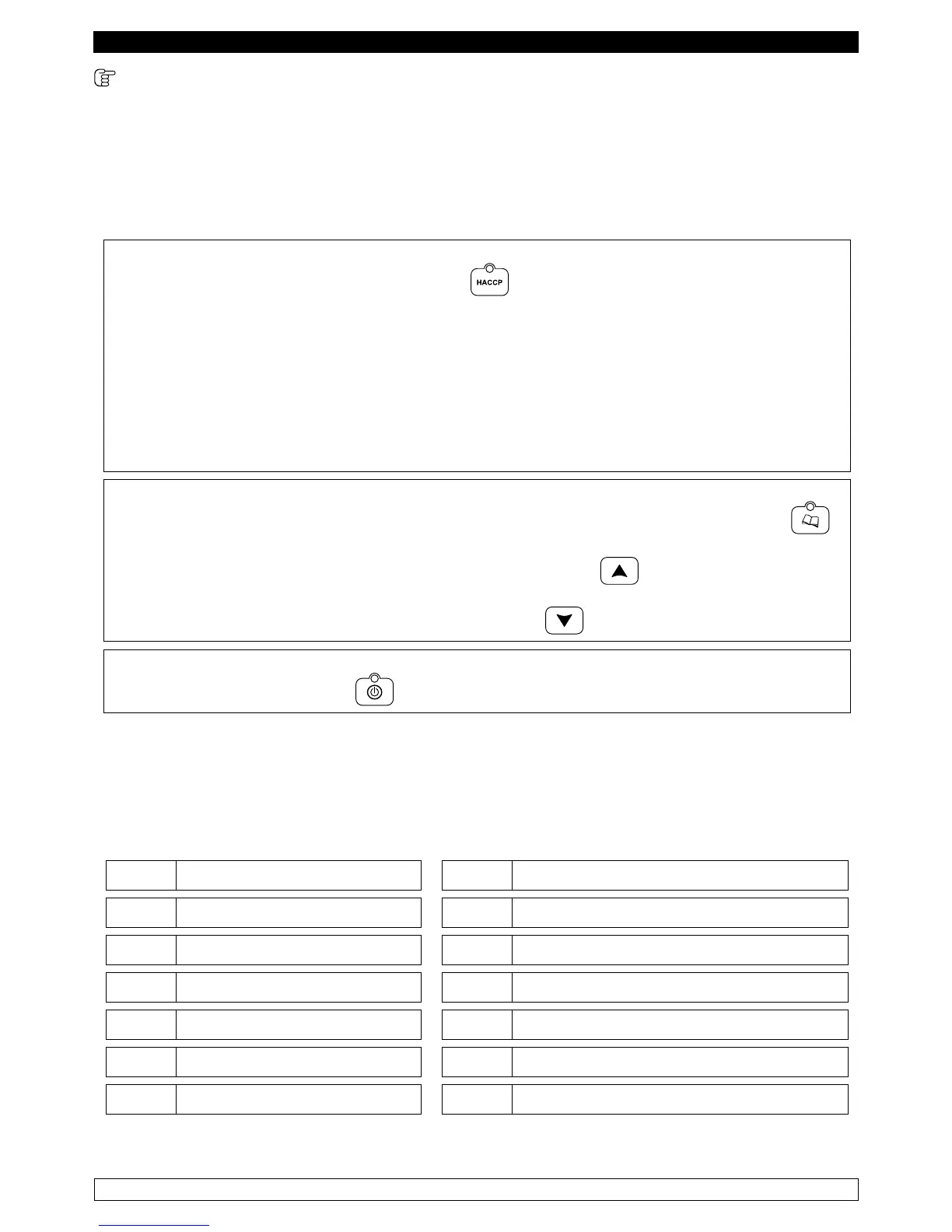
In the alarms history the alarms are stored as follows:
Er0 Room probe breakdown d-r Door left open for more than 60 seconds
Er1 Evaporator probe breakdown AH Room’s high temperature alarm
Er3 Core probe breakdown AL Room’s low temperature alarm
Er4 Condenser probe breakdown Ht Condenser’s high temperature alarm
HP High pressure alarm PF No power supply voltage
LP Low pressure alarm Err
Problems affecting the base/keyboard connection
HA Compressor thermal alarm San All Sanication alarm
Each alarm is complemented by a buzzer; its volume might be decreased using the decrease key.



 To Next Page