8
Eversense E3 CGM Quick Reference Guide
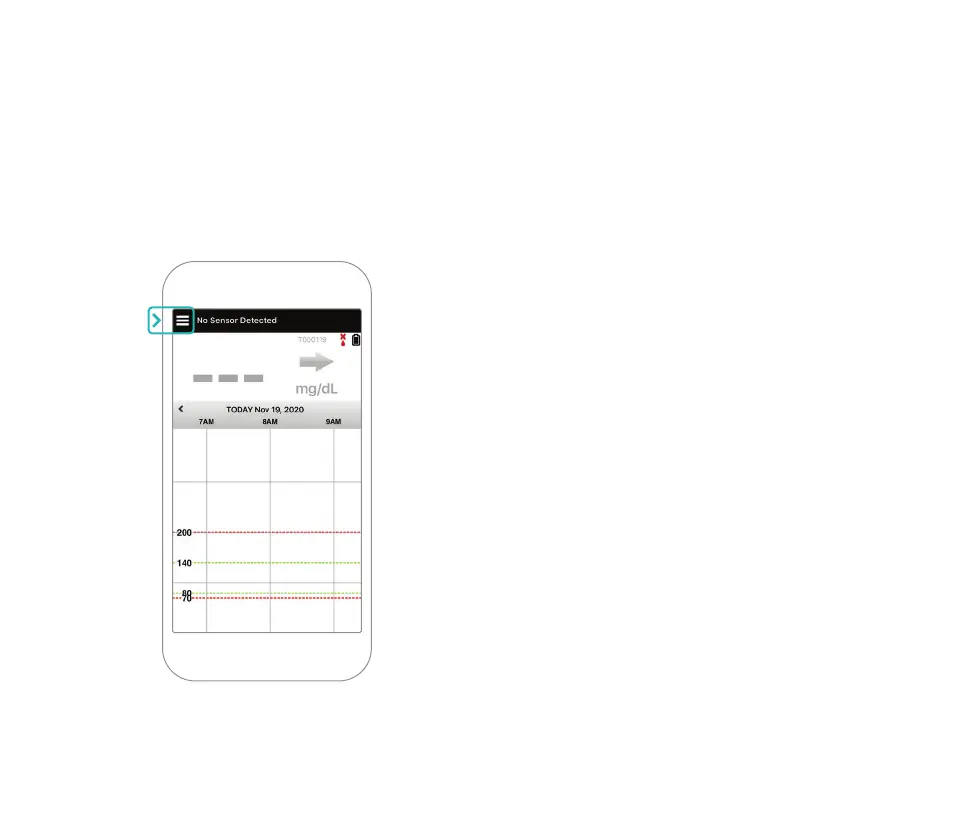
9. Tap the MAIN MENU icon to get access to
all app functions from a drop-down menu.
Note: This screen will not have any
glucose data to display until your sensor
has been inserted and you have started
calibrating the system.



 To Next Page