5
Eversense E3 CGM Quick Reference Guide
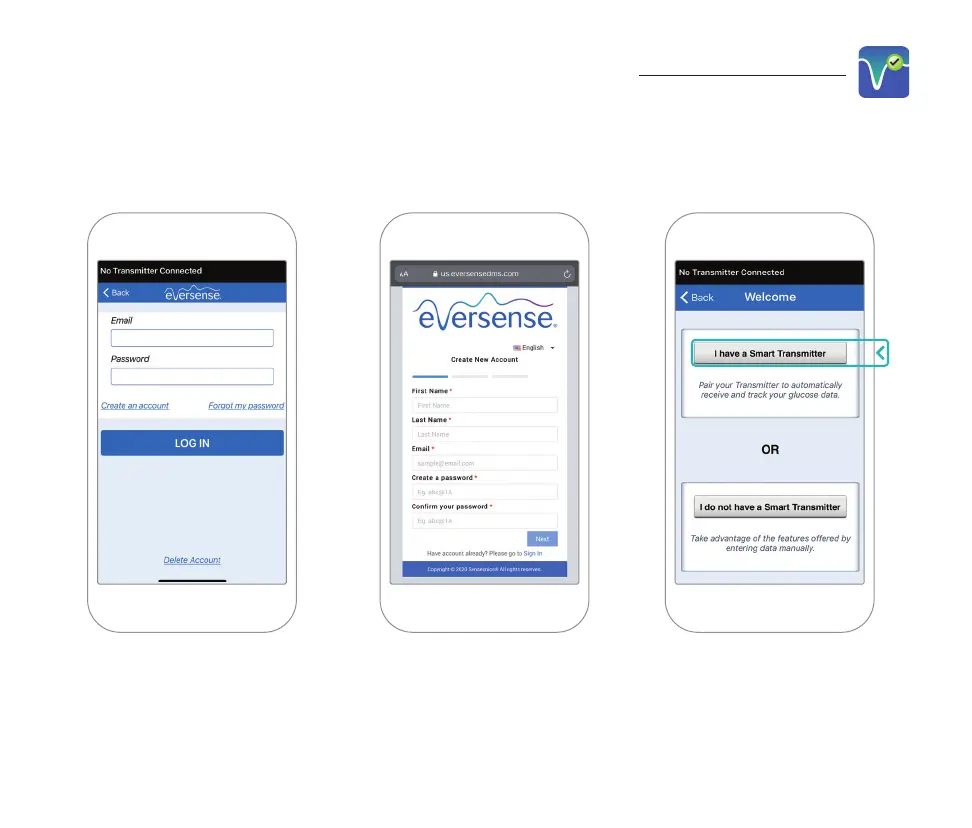
1. Create an account with
an Email and Password.
2. Enter your account
information and tap
Submit.
3. Indicate you have
your smart transmitter
by tapping that option.
Launch the App by Tapping the Eversense Icon
Note: On Android operating systems you will be prompted to acknowledge and enable location
services in order to pair your smart transmitter with your mobile device and receive alerts from
the Eversense E3 CGM system.
To complete registration check the email address you provided and click the link in the email.



 To Next Page