3
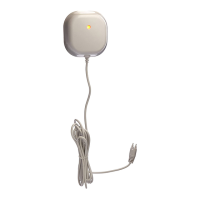
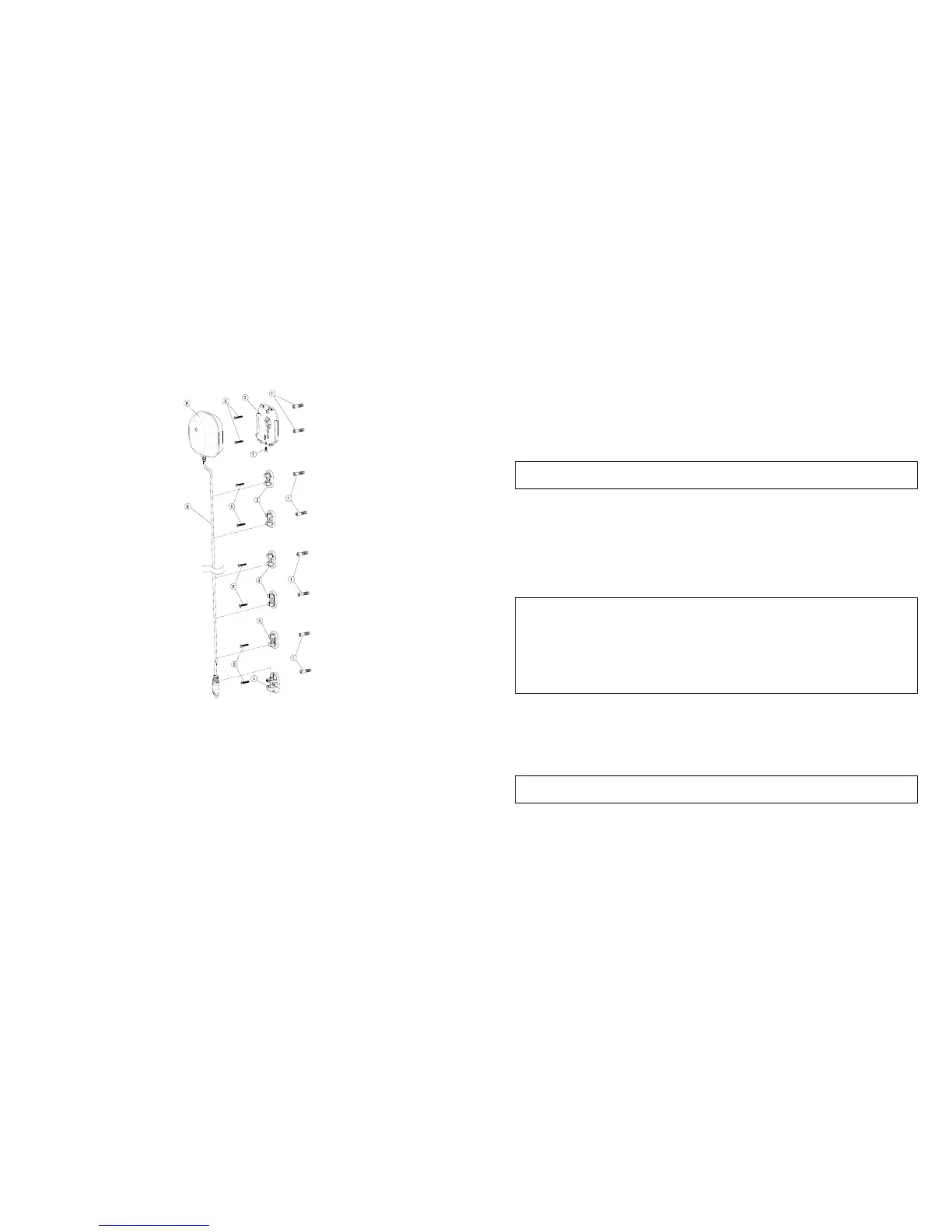
1. Attach the flood sensor near the floor.
2. Use the back cover, flood sensor cable rack and sensor rack as a template to
mark the position of fixing holes on the wall. Drill the holes and insert the plastic
wall plugs supplied respectively.
3. Fix the back cover, flood sensor cable rack and sensor rack using the fixing
screws provided.
4. Refit the transceiver to the back cover and secure with the fixing screw supplied.
5. Place the flood sensor cable and flood sensor to its rack.
Note: The transceiver should never be submerged in water.
Programming
1. Z-Wave’s Groups (Association Command Class Version 2)
The Flood Detector supports two association groups with one node support for
Grouping 1 and three nodes support for Grouping 2. This has the effect that when the
Detector is triggered, all devices associated with the Detector will receive the relevant
reports.
There are two kinds of reports: ALARM_REPORT and SENSOR_ALARM_REPORT.
1-1 Grouping 1 (Max. node 1)
1-1-1 Power Applied command
The Detector will send ALARM_REPORT command to the nodes of
Grouping 1 to inform the devices that the Detector is powered up.
ALARM_REPORT Command:
[Command Class Alarm, Alarm Type = 0x02, Alarm Level = 0x01]
1-1-2 Flood Event Report (Binary Sensor Report)
Once the Detector has been triggered by water, the Detector will send
SENSOR_ALARM_REPORT to the nodes of Grouping 1 to inform them
there is a flood event; meanwhile, its red LED will flash for one minute
and beep for 30 seconds. Wait till water is released,
SENSOR_ALARM_REPORT will be sent to the associated devices.
SENSOR ALARM REPORT Command:
Event Present:
[Command Class Sensor Alarm, Sensor Alarm Report, Sensor Type
Water Leak Alarm State = 255 (0xFF), Seconds = 0x00]
Event Clear:
[Command Class Sensor Alarm, Sensor Alarm Report, Sensor Type
Water Leak Alarm State = 0x00(0), Seconds = 0x00]
1-1-3 Low Battery Report (Alarm Command Class)
When the battery level of the Detector drops to an unacceptable level,
the Detector will send a low battery command to the node of Grouping 1;
meanwhile, the Detector will flash red LED once every 30 seconds.
ALARM REPORT Command:
[Command Class Alarm, Alarm Type = 0x01, Alarm Level = 0xFF]
1-2 Grouping 2 (Max. nodes 3)
1-2-1 Control other Z-Wave devices


 To Next Page
 Loading...