Need help?
Do you have a question about the evertz 1200DD Series and is the answer not in the manual?
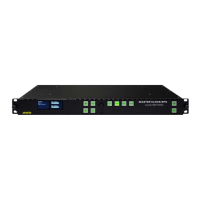
General description of the 1200DD Series Digital Data Displays and their capabilities.
Details the two available models (1200DD, 1201DD) and their specific features.
Explains rear panel connectors (LTC, Ethernet, COM, GPS) and standard wiring.
Covers rack mounting requirements and power connection details.
Guides on mounting and connecting the optional GPS Smart Antenna for time synchronization.
Describes rear panel DIP switches and front panel pushbuttons for device operation.
Explains how to navigate the setup menu and adjust display parameters.
Covers configuration of input sources, time/date formats, time zone, and DST.
Details IP address, NTP server, and trap settings for network communication.
Lists detailed specifications for LTC, IRIG, GPS, Ethernet, and serial ports.
Covers timekeeping accuracy, backup battery, voltage, and power consumption.
Provides a step-by-step guide for upgrading the unit's firmware.
Important safety warnings for qualified service personnel regarding electrical shock.
Step-by-step instructions for replacing the internal 3V lithium backup battery.
Instructions for connecting, installing, and using VistaLINK for device configuration.


 To Next Page
 General