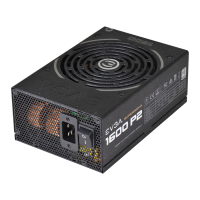
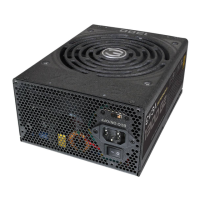
500W / 600W Bronze Power Supply User Manual 500W / 600W Bronze Power Supply User Manual
Introduction: Premium Power
Safety Information
Thank you for purchasing an EVGA power supply. This power supply is a premium quality power supply intended to
meet the needs of the most demanding PC gaming systems. Designed with gamers’ needs in mind the EVGA Power
Supplies are the best choice to power next generation gaming systems.
WARNING: This unit has no user-serviceable parts inside. Opening the casing presents a risk of electrocution and will
void the products warranty. EVGA will not be responsible for any result of improper use, including but not limited to,
any use of the product outside of its intended purpose or use inconsistent with the warranty terms available online.
(Warranty information is available at www.evga.com/support/warranty and this manual is available at
www.evga.com/manuals).
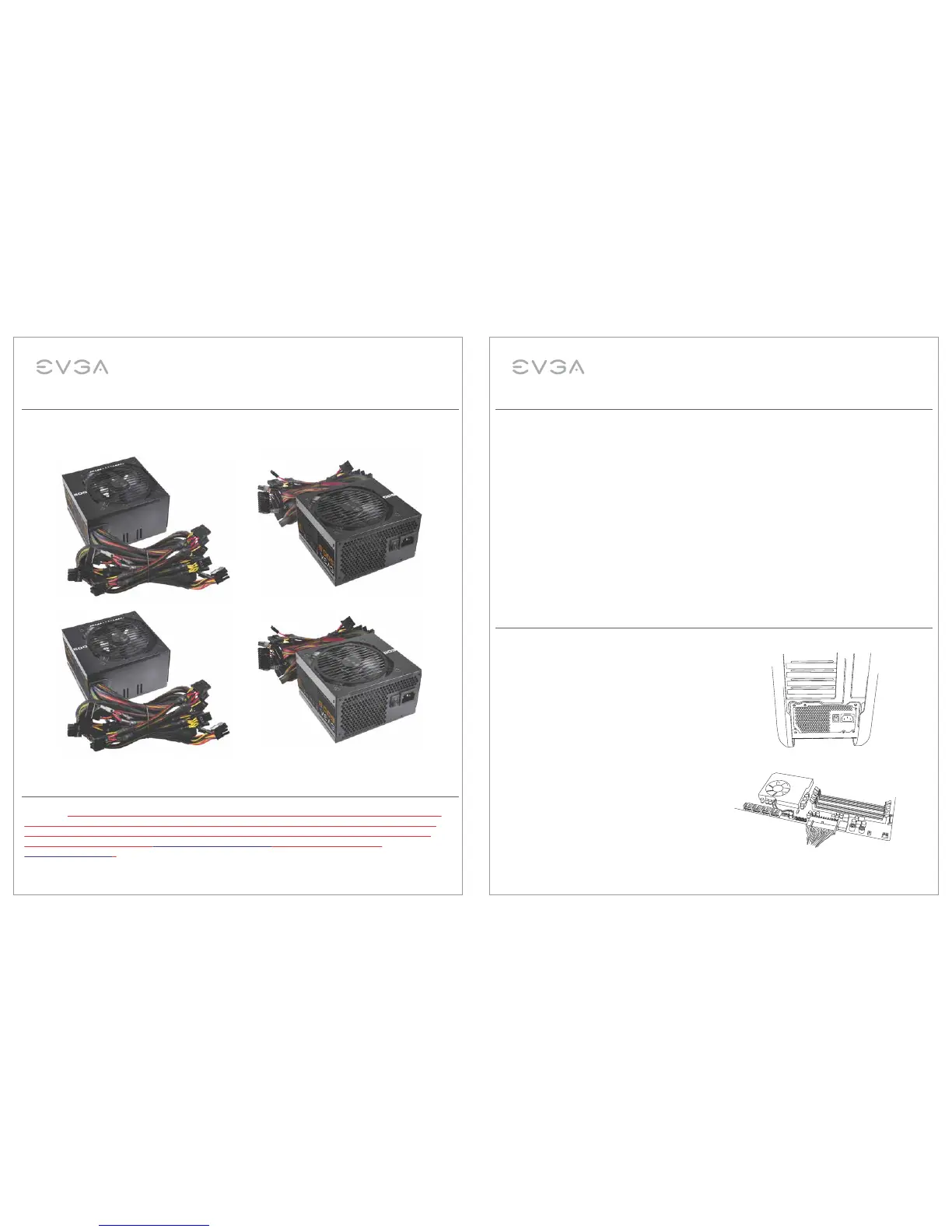
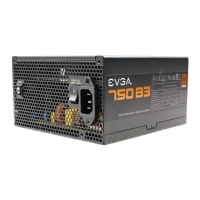
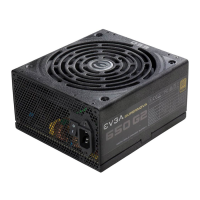
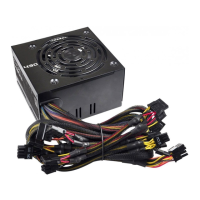
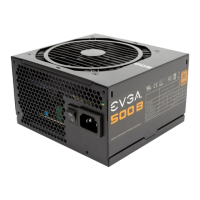
EVGA 500W BRONZE
EVGA 600W BRONZE
STABLE POWER
The 500B/600B power supply models have outstanding electrical performance with ultra stable voltage and
extremely clean outputs. This will help to achieve the highest possible overclock and provide stability and reliability
to your components. The 500B/600B offer efficiency up to 85% at 40 degrees Celsius and is 80 PLUS BRONZE
certified.
THE BEST PROTECTION
These power supplies are covered by a 3 year warranty and EVGA’s 24/7 customer service.
The 500B/600B power supplies also come equipped with several power protections to provide safe operation
including:
• (OVP) Over Voltage Protection
• (UVP) Under Voltage Protection
• (OCP) Over Current Protection
• (OPP) Over Power Protection
• (SCP) Short Circuit Protection
• (OTP) Over Temperature Protection
Installation
1. Remove the power supply from its packaging.
2. Use the provided screws to install the power supply into
your computer case. NOTE: It is recommended to install
the power supply with the fan facing down. However,
if your case places the power supply at the bottom of the
case and there are no ventilation holes there, it may be
best to install the power supply with the fan facing up for
greater efficiency and reliability.
3. Connect the 24-pin ATX cable to the motherboard.
NOTE: This power supply allows you to detach the
four right-most pins to make this connector into a
20-pin connector. Under NO circumstances should
you plug the extra four-pin connector into your
motherboard’s 4-pin ATX12V or “P4” connector.
Serious damage may occur.
Features
EnglishEnglish
2 3


 To Next Page