500W / 600W Bronze Power Supply User Manual500W / 600W Bronze Power Supply User Manual
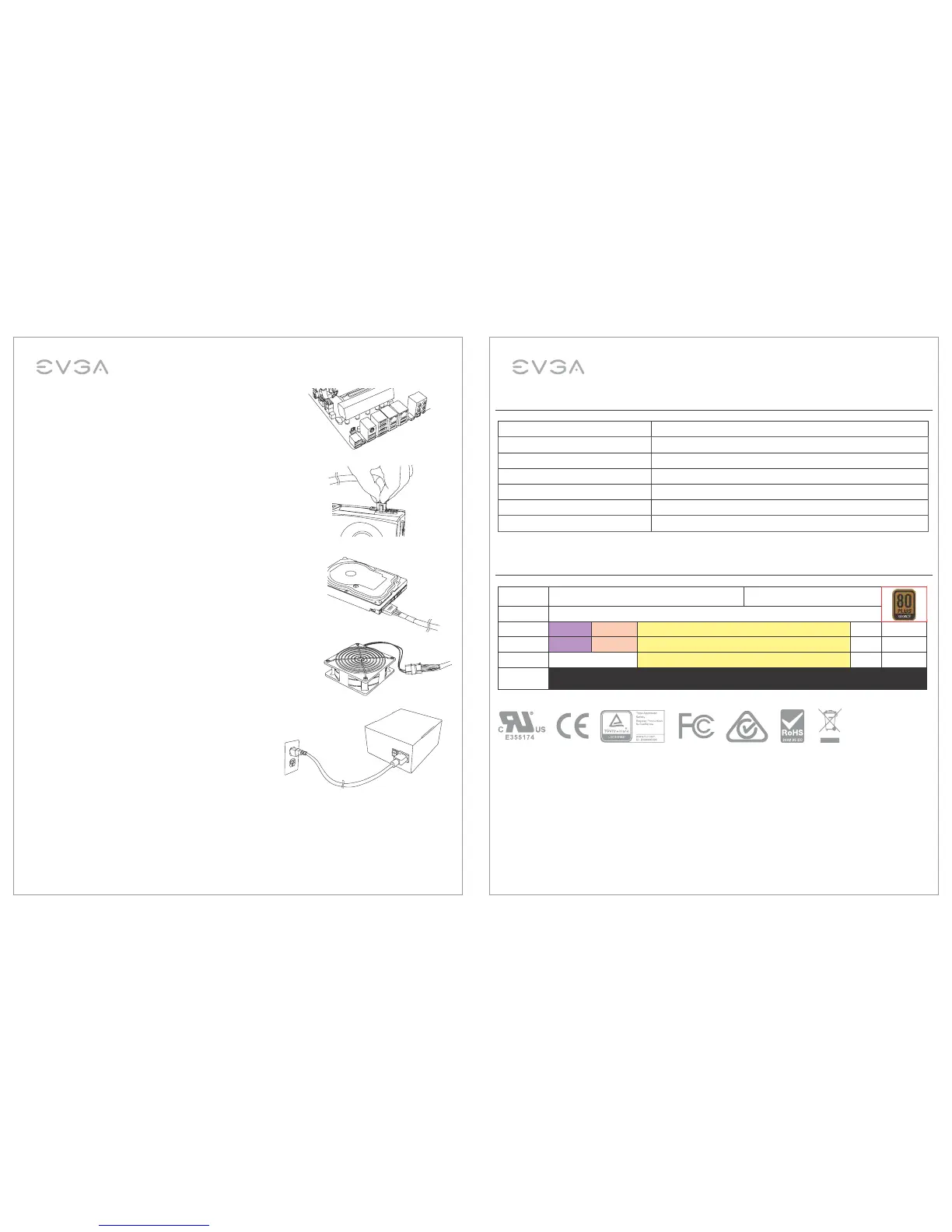
4. Connect the 8-pin EPS12V cable(s) to the motherboard.
One of the EPS12V connectors can be split to form a
4-pin ATX12V connector if your board lacks an EPS12V
connector.
5. Connect the 6/8-pin PCIe cables to your graphics card(s).
NOTE: Do not attempt to plug an 8-pin PCI-E cable into a
6-pin connector without first detaching the two extra pins.
6. Connect the SATA cables to your system’s drives (hard
drives, solid state drives, and optical drives). If your
motherboard supports additional PCI-E power delivery via
SATA connector, connect a SATA cable to your motherboard
as well.
7. Connect the peripheral “molex” connectors to the power
supply and your fans, legacy hard drives, and other devices.
8. Connect the AC power cord to your power supply and to
the wall, and turn the power switch to the ON position.
Over Voltage Protection, Under Voltage Protection, Short Circuit Protection, Over Power Protection,
Over Current Protection, Over Temperature Protection.
Dimensions: 85mm (H) x 150mm (W) x 140mm (L)
500W Cable Configuration
500W Specifications
Connector Cables
MB 1x ATX 20+4 pin
CPU 1x EPS12V 4+4 pin
VGA 1x PCIe 6+2 pin x2
SATA 2x SATA 5 pin x3
PERP 1x Molex 4 pin x3
FDD PERP to FDD
EVGA
500W BRONZE
+40°C ambient @ full load
AC Input
AC100-240V~, 50-60 Hz, 8/4A
DC Output +5V +3.3V +12V -12V +5Vsb
MAX output, A
20 24 40 0.3 3
Combined, W
120 480
3.6 15
Output power,
Pcont
500W @ +40°C
EnglishEnglish
4 5




 To Next Page