DVI to VGA Adapter
DVI connection
1 – Power on your Laptop or your monitor and PC to begin the installation.
2 – Once in Windows, install the UV Plus+ drivers from the provided
installation CD. After the installation process has fi nished reboot
your computer.
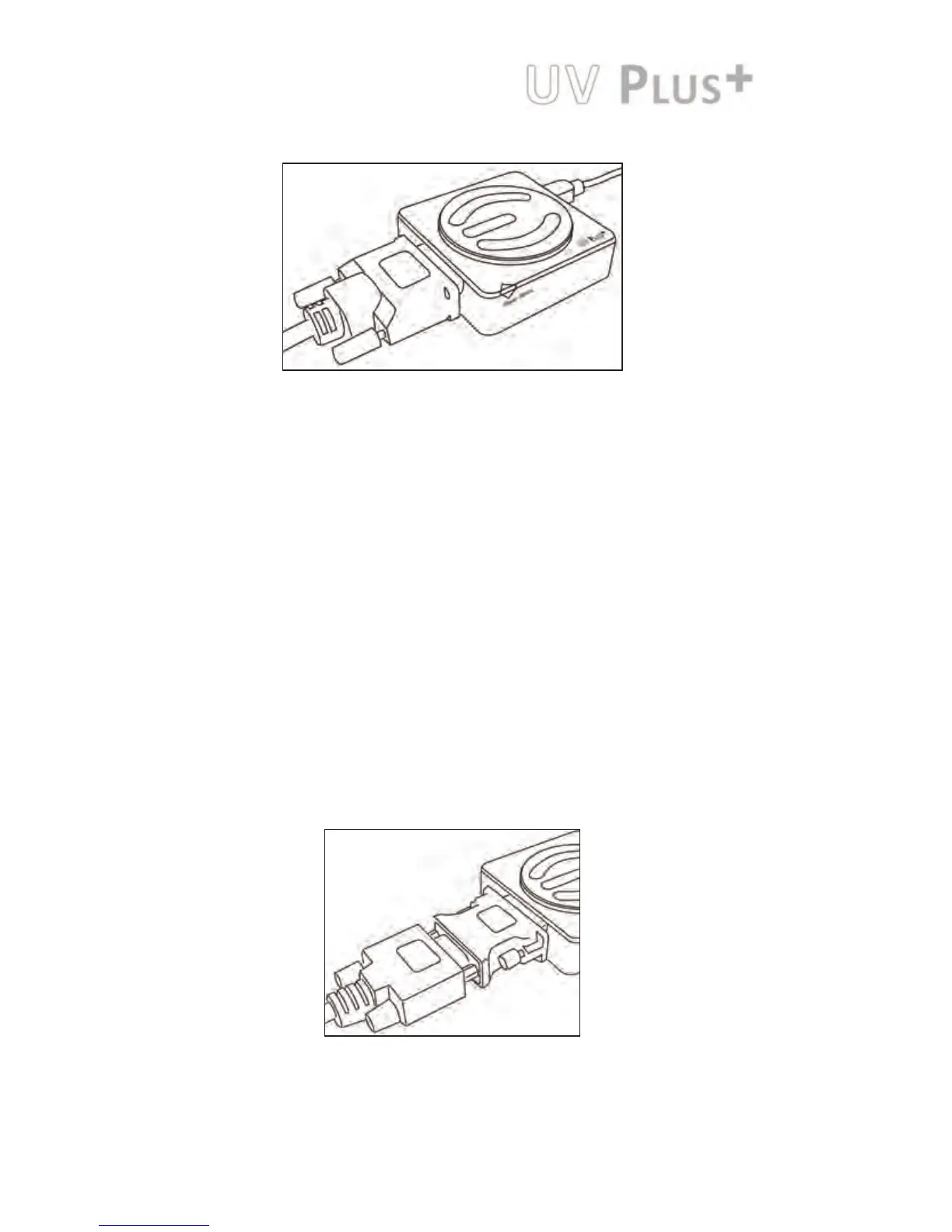
3 – Attach your monitor’s DVI connector to UV Plus+ (a DVI to VGA
adapter is provided if needed)
4 – Plug in the provided USB cable to UV Plus+ and the other end to your
Notebook or PC’s USB port. The UV Plus+ software will now detect
your attached display.
5 – Right-click the EVGA icon in the Windows System Tray to confi gure how
the attached monitor should display.
Hardware and Driver Setup:
A DVI to VGA Adapter is provided to allow a VGA connection to the
UV Plus+ DVI connection.



 To Next Page