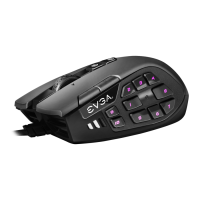
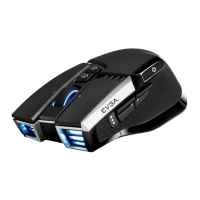
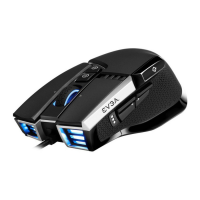
GETTING START YOUR X17 GAMING MOUSE
STEP 2
Turn on your PC / Allumez votre PC / Включите компьютер /
Schalten Sie Ihren PC ein / Enciende tu PC / Accendi il PC /
Ligue o seu PC / 開啟您的PC系統 / 开启您的PC系统
STEP 3
Install EVGA Unleash RGB Software / Installez le logiciel EVGA Unleash RGB / Установите
ПО EVGA Unleash RGB / Installieren Sie die EVGA Unleash RGB Software / Instala el
software EVGA Unleash RGB / Installa il software EVGA Unleash RGB / Instale o software
EVGA Unleash RGB / 安裝EVGA Uleash RGB軟體 / 安装EVGA Uleash RGB软件
STEP 4
Enjoy it! / Profitez! / Наслаждайтесь! / Viel Spaß damit! / Disfruta! / Buon
divertimento! / Aproveite! / 開始使用! / 开始使用!
STEP 1
Plug USB connection Cable to your PC / Branchez le câble USB sur votre PC / Подсоедините
USB-кабель к своему компьютеру / Verbinden Sie das USB-Kabel mit Ihrem PC / Conecta el
cable USB a tu PC / Collega il connettore USB del cavo al tuo PC / Conecte o cabo de
conexão USB ao seu PC / 連接USB接頭至您的PC系統 / 连接USB接头至您的PC系统


 To Next Page