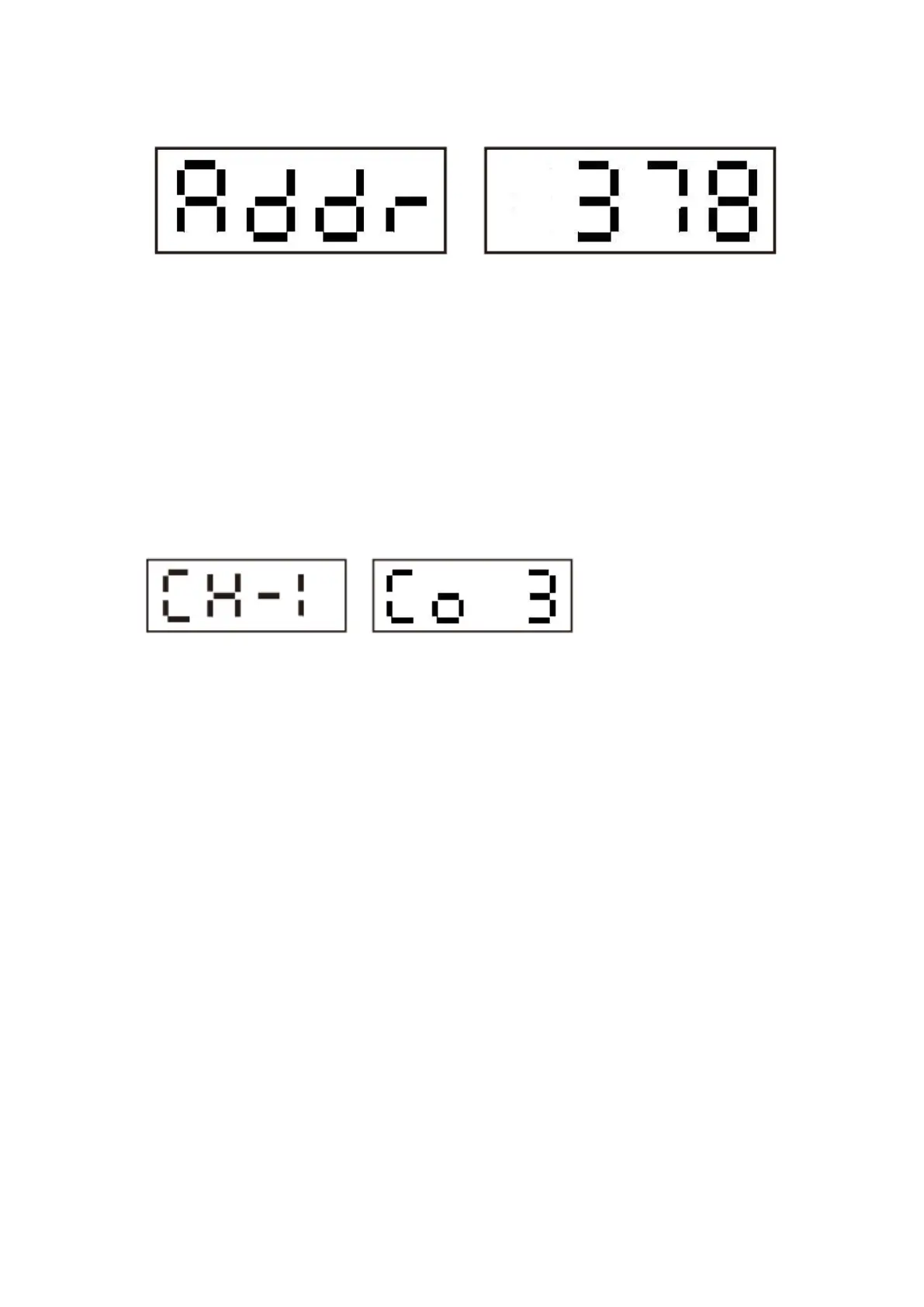
When it shows ADDR, press ENTER button to enter into the setting page of DMX address.
Press UP or DOWN to increase or decrease the address value. After finished setting, press
ENTER button again to back to page ADDR.
2、LED color setting page
When it shows “CH-1” , press ENTER button to set LED color under button one. Through UP
and DOWN button, user can realize the color setting. After finished setting, press ENTER
again to exit to page CH-1. The LED's color could be set to OFF, 9 colors (Co1-Co9) and
change color automatically (rand).
a). When set to OFF, the LED would not light up.
b). 9 colors are as following:
Co 1: Red
Co 2: Green
Co 3: Blue
Co 4: Pink
Co 5: Purple
Co 6: Orange
Co 7: Yellow
Co 8: Sky blue
Co 9: White


 To Next Page