Need help?
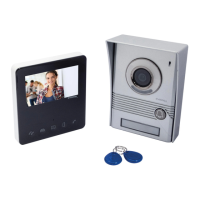
Do you have a question about the evology EVO-840 and is the answer not in the manual?
Steps for attaching the mounting bracket to the wall.
Basic wiring connections for the outdoor unit.
Details on connecting internal wires to the terminal block.
Steps for physically attaching and securing the outdoor unit.
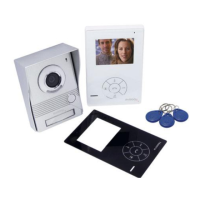
How to install a custom nameplate on the device.
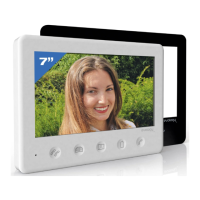
Instructions for applying protective films to the screen.
Warning that the front face cannot be changed after installation.
Connecting the power adapter and other peripherals.
Ensures the power socket remains accessible after installation.
Adjusts screen contrast and brightness for optimal viewing.
Configures speaker volume and melody ringtone volume.
Manages door unlocking, two-way communication, and camera activation.
Allows choosing from 15 different ringtones.
Identifies microphone and speaker elements of the unit.
Details the camera module and its orientation.
Explains sealing gasket function and connection terminal identification.
Details the connection points for indoor monitors.
Illustrates how to connect the NFC badge reader.
Procedure for adding new access badges to the system.
Steps to remove existing access badges from the system.
How to use an access badge to unlock the door.
Guide on connecting an electric strike to the system.
Adjusts the camera's vertical field of view.
Adjusts the camera's horizontal field of view.
Guidelines for proper disposal and environmental protection.
 General
| Brand | evology |
|---|---|
| Model | EVO-840 |
| Category | Intercom System |
| Language | English |

 To Next Page