12
international calls. In text writing mode, it
allows you to insert special characters
Button 0 -
flashlight
Long press the button to switch the
flashlight on/off
Button # (16)
Switches the way you enter characters in
text mode. Change profiles (long press).
SOS button
(10)
Long press the button to activate the
SOS alarm
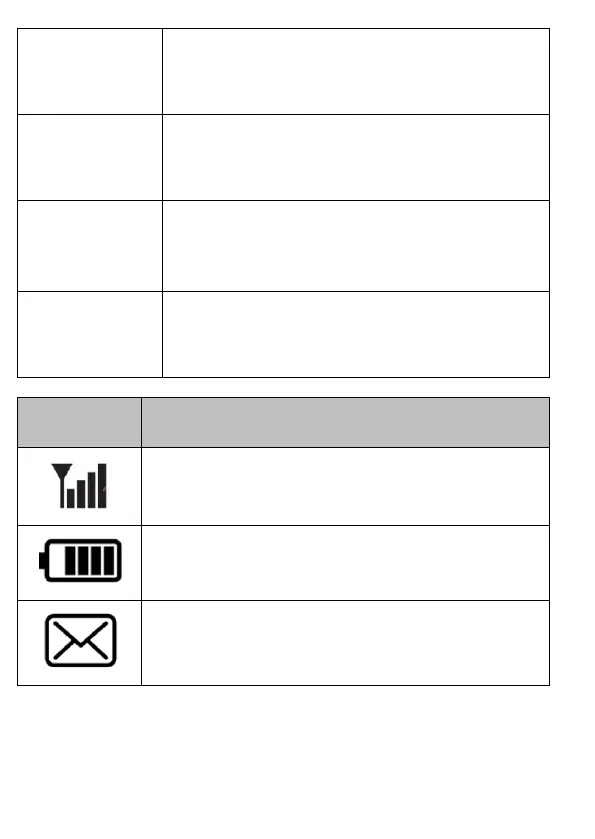
GSM network signal strength



 To Next Page