QUICKSTART
Enter to TEST mode
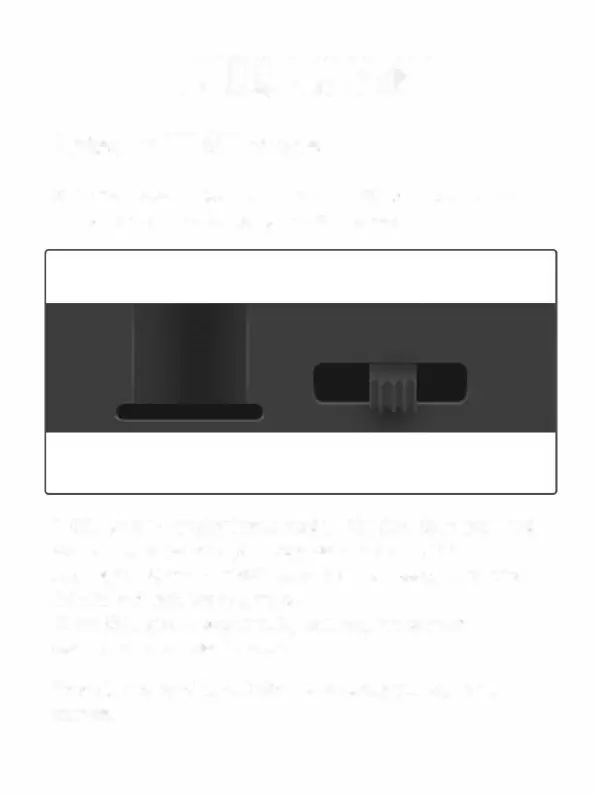
Slide the mode switch from OFF to TESTposition to activate
the camera and view the user setup screen.
A SIM card is needed. Make sure your SIM card supports
Short Messaging Service (SMS), Multimedia Messaging
Seice (MMS) and data traffic service.
When SIM card recognized by camera, the camera display
will show carrier's icon.
There is a control panel with 8 keys when you open the
camera.
10



 To Next Page