4
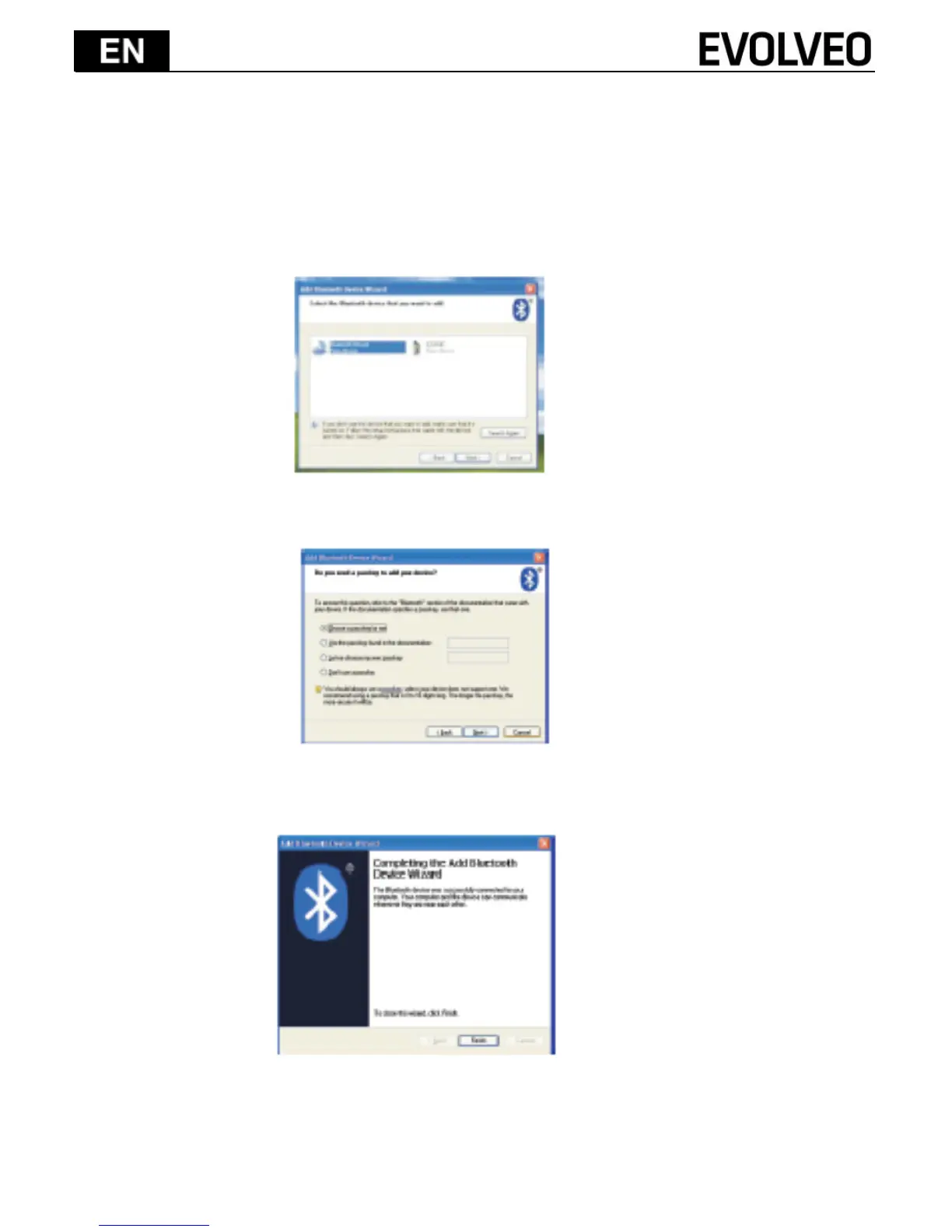
4) Your computer will now scan for Bluetooth devices in your area
and display found devices. Meanwhile press “ESC”+“K” About 5
sec. then search the devices;
5) Select the keyboard from the list of found devices and click
“Next” to continue.
6) We re commend our customers to select “Next” to continue.
7) The system will automatically finish the installation after clicking
“Finish” in below window.


 To Next Page