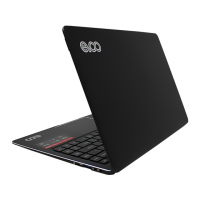
Connecting external devices
Your computer has a wide range of built-in features and connection capabilities. Which supports the
following types of peripherals:
●USB2.0: connects to USB2.0 devices
●USB3.0: connects to USB3.0&USB2.0 devices
●Micro SD slot: connect to micro sd card
●Mini HDMI port: connects to devices with HDMI port such as a TV or a display to output the laptop’s
video or audio.
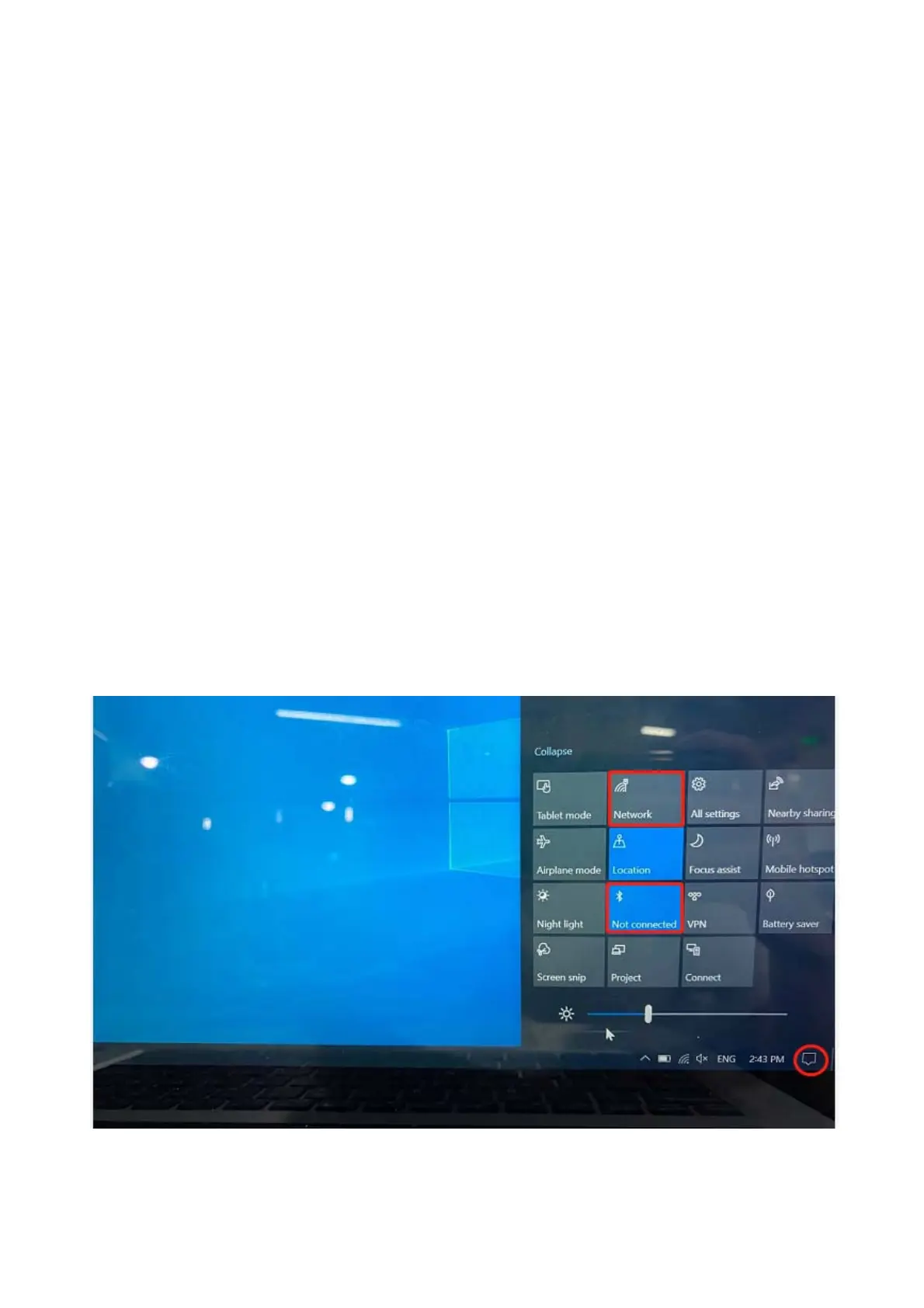
Connecting a Bluetooth device and a WIFI AP
Since your computer has an integrated WIFI and Bluetooth RF module, that makes it possible for your
device to connect with other BT device or a wireless point to transfer data without cables,such as with a
BT speaker,cellphone,PADs
●Pair a BT device through clicking below icon
●connect a wifi AP through clicking below icon


 To Next Page
 Loading...