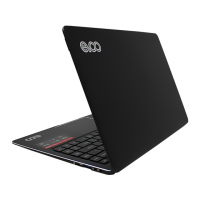
Camera:0.3M pixel front camera used for photo or video.
Microphone: The built-in two digital microphones can be used for video conference, or simple
audio recordings with noise cancelling functions
Display: The 1920x1080 IPS display panel provides the best brilliant visual output
Touchpad: The big size of touchpad provide user experience of precise clik,scroll,drag
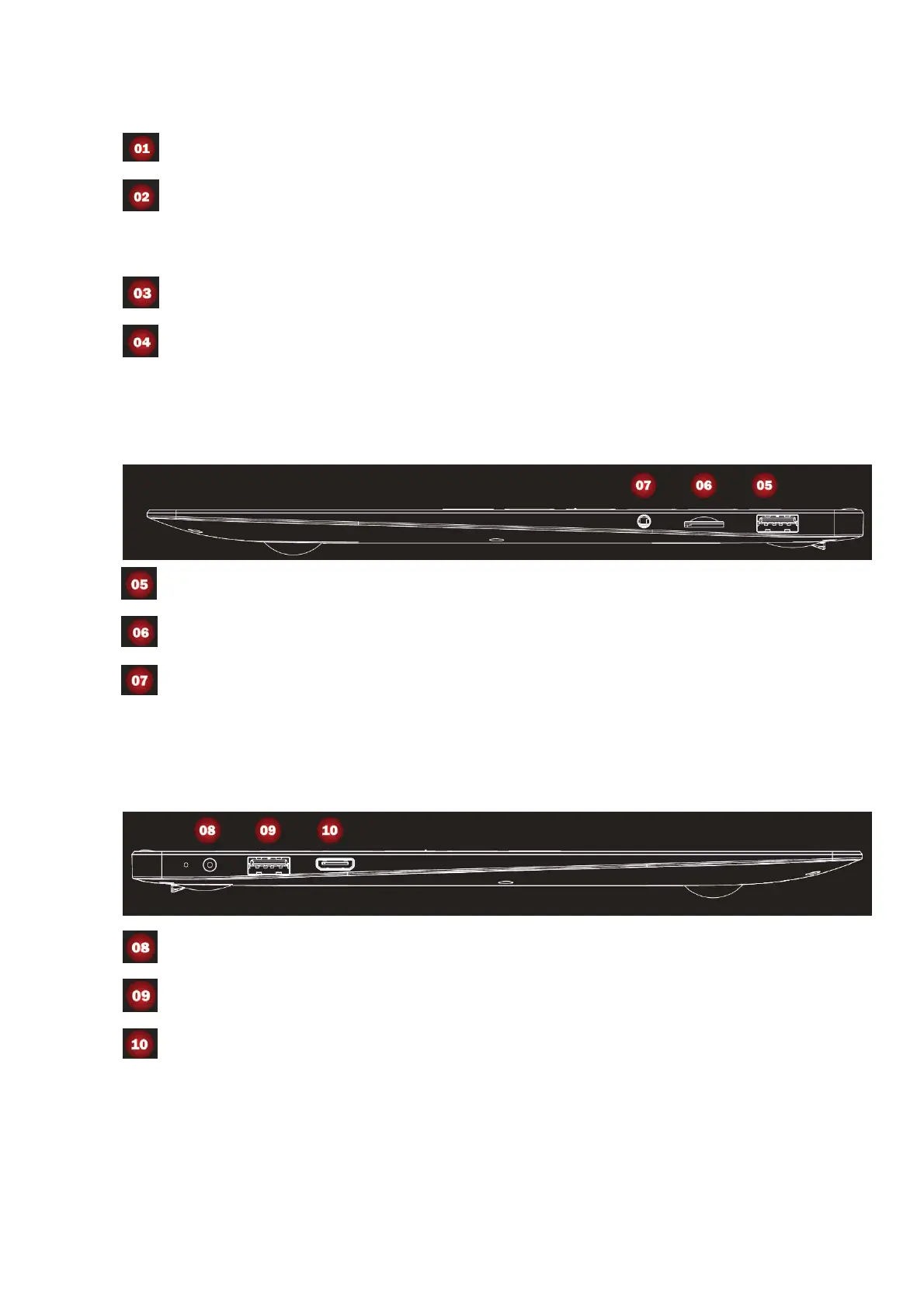
Right side view
USB2.0: connects to USB2.0 devices
Micro SD slot: connect to micro sd card
Headphone port: connects to external 3.5mm headphones for audio output
Left side view
Charging port: connects to 3.5mm DC adapter for charging
USB3.0: connects to USB3.0&USB2.0 devices
Mini HDMI port: connects to devices with HDMI port such as a TV or a display to output the
laptop’s video or audio.


 To Next Page
 Loading...