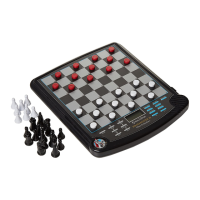
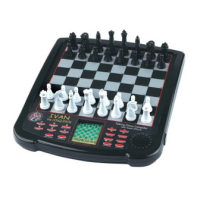
Excalibur Electronic Chess
TABLEOFCONTENTS
CHAPTER 1: Installing Batteries . . . . . . . . page 4
CHAPTER 2: Play Right Away. . . . . . . . . .page 4
2.1 Getting Started
2.2 How to Register Your Move
2.3 Notes on Special Moves
CHAPTER 3: Key Functions. . . . . . . . . . . . . . . . page5
3.1 OFF/SAVE Key
3.2 ON/CLEAR Key
3.3 NEW GAME Key
3.4 TAKEBACK Key
3.5 SET UP Key
3.6 VERIFY Key
3.7 MULTI-MOVE Key
3.8 HINT Key
3.9 LEVEL Key
3.10 MOVE Key
3.11 SOUND Key
3.12 MODE Key
3.13 BLACK/WHITE Key
CHAPTER 4: Setting Up Special Positions. . . . . . . page7
CHAPTER 5: Special Features. . . . . . . . . . . . . . . . .page 8
CHAPTER 6: Troubleshooting. . . . . . . . . . . . . . . page8
CHAPTER 7: Rules & Tips. . . . . . . . . . . . . . . . page9
CHAPTER 8: Special Care & Batteries. . . . . . . . . page11
CHAPTER 9: Limited One-Year Warranty. . . . . page11


 To Next Page