12.Trouble Shooting
The following table shows the types of breakdowns and indicates how you can correct it if your machine does
not function correctly. If in spite of this, you do not manage to locate the problem and solve it, contact your
after-sales service.
Caution: Before starting troubleshooting, stop the appliance and disconnect the power plug.
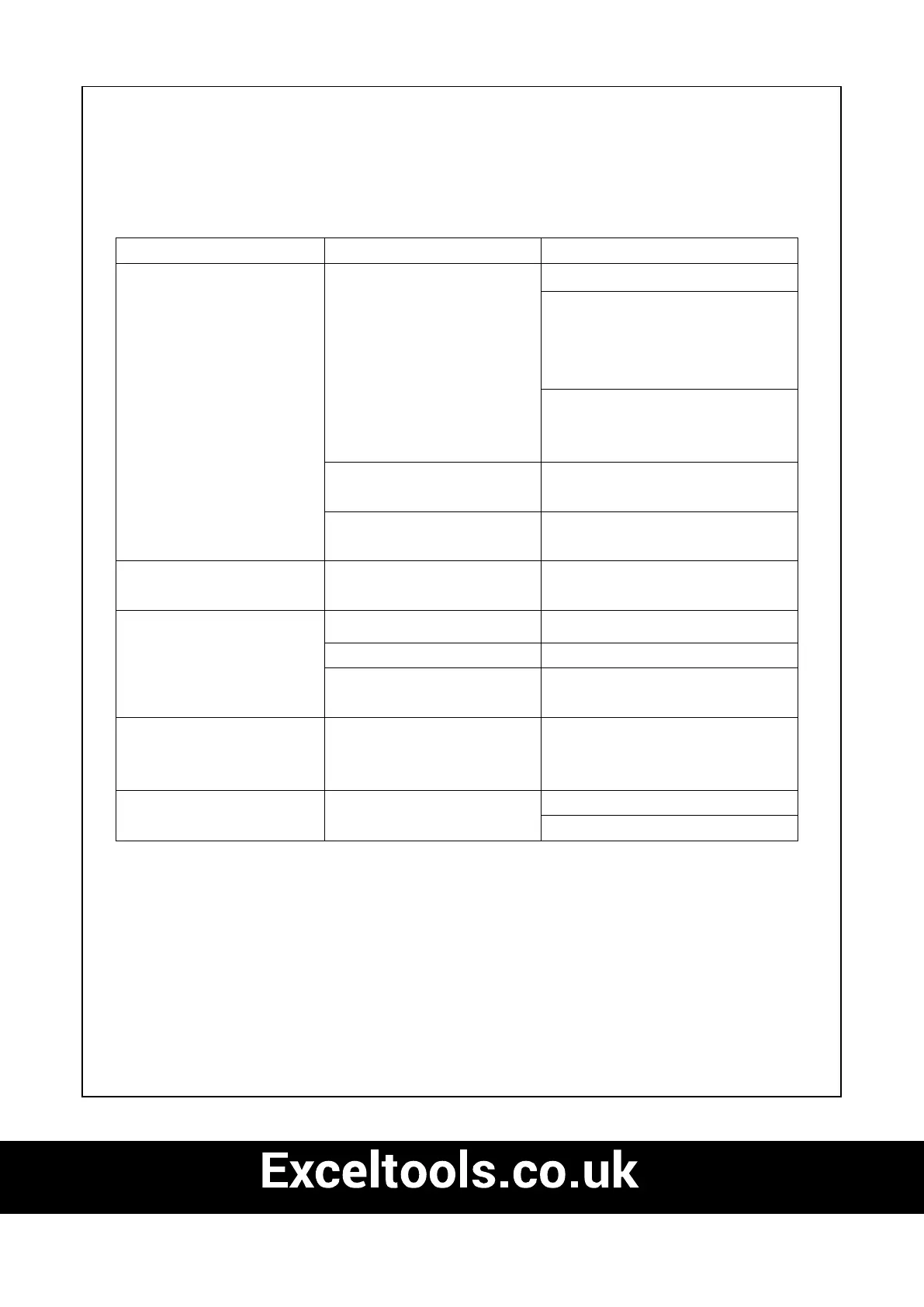
Problem Cause Solution
Motor does not run No electrictity Check socket, cable and plug.
Damaged cable: Have repaired by
customer service. It is prohibited to
patch the cable with insulating
tape.
Damaged switches have to be
replaced by a Customer Service
workshop.
Chain brake See section ”chain brake” and
“Releasing the chain brake”
Running out of carbon brush
Change the carbon brush, ask a
Customer Service workshop
Chain does not move Chain brake
Check the chain brake, release if
necessary.
Poor cutting performance Blunt chain Sharpen the chain
Chain tension Chain wrongly fitted
Check that the chain is fitted
correctly
Check the chain tension
Saw works only with
difficulty Chain jumps off
sword
Chain tension Check the chain tension
Chain becomes hot Chain lubrication Check oil level
Chain lubrication


 To Next Page