15
Transmitting a call through Contacts List or Call Logs
1.Press Menu Key to go to Main Contacts.
2. Go to“Contacts List - Private Call Contacts”,Or go to
"Call Logs" and access the outgoing /Incoming/Missed list.
3. Use the Up/Down Key to select the Private Call contacts
you want to call.
4. Use P1 Key or PTT Key to Transmit a call.
Private Call
Under DMR trunking mode, to set Private Call type via trunking
system. FOACSU and OACSU
●FOACSU: While seting up a call,ring warn the calling party,
and the called party receive the call through manual operation.
●OACSU : While seting up a call without any ring warn for
the calling party ,and the called party receive the call through
manual operation.
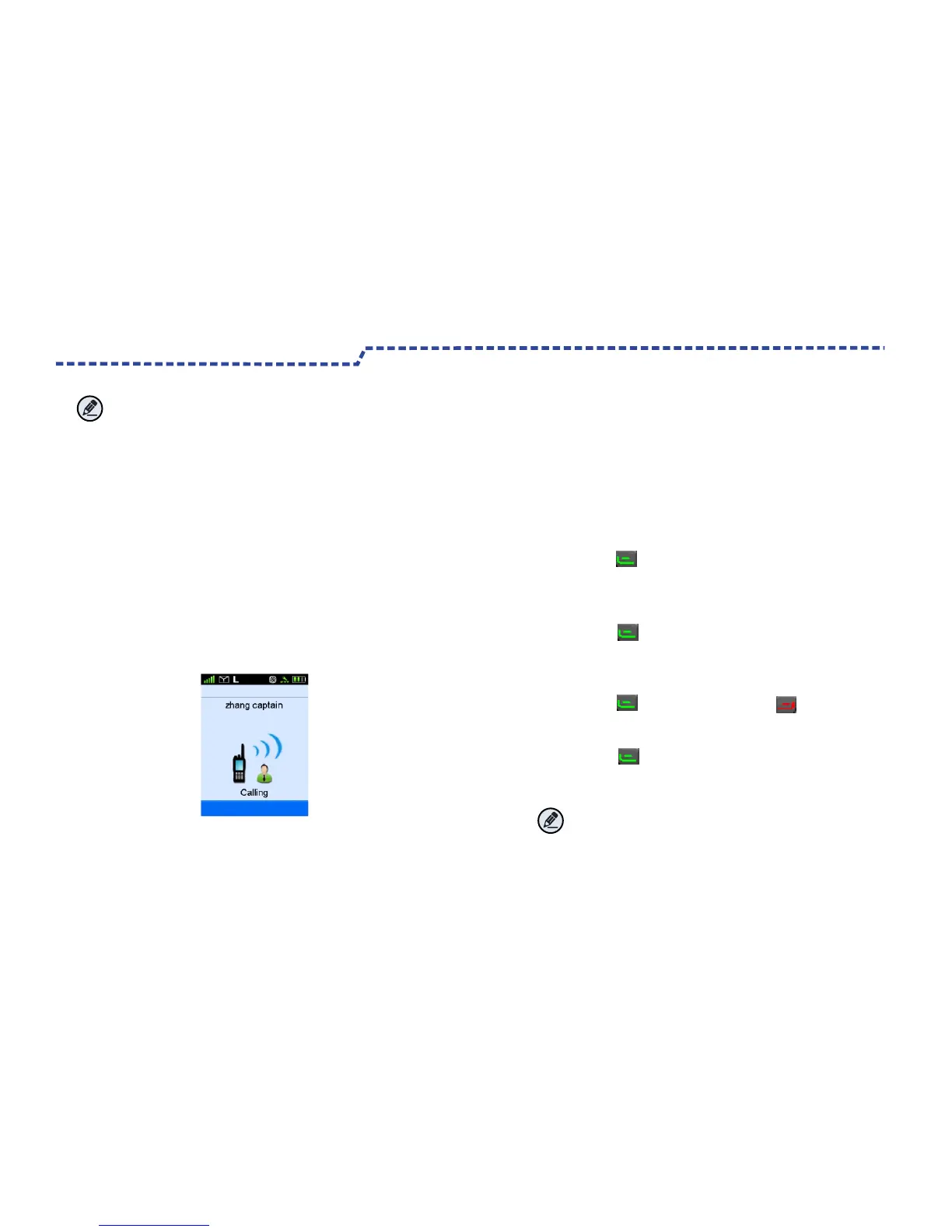
Transmitting a Private Call
Note:
To ensure an optimal volume of the receiving radio,hold
the radio approximately 2.5 to5cm from your mouth.
You may transmit a Private Call through any of the
following methods.
Through manual input
1.Input a Private Call number you want to call in home screen .
2. Use P1 Key ,PTT Key or select Dail Key # to transmit
a Private Call.
Transmitting a call through Redail List or Recall List.
1.Use P1 Key to Redail List or P2 Key to Recall
List to Input a Private Call number you want to call in
home screen .
2. Use P1 Key, PTT Key or select Dail Key #to transmit
a Private Call.
Note:
Transmitting a Private Call Failed while products
unregistered or Registration Failed .
Product Functions and Operations


 To Next Page