• The In-Line Power Supply input power cord must be connected to a properly grounded three-prong
AC outlet. Do not use adapter plugs, or remove the grounding prong from the plug.
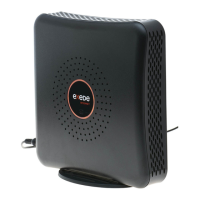
• The Exede WiFi Modem, including the coaxial cable connector, may become hot. Always use the
provided “pigtail” connector and avoid touching the coaxial cable connector unless its power adapter
has been unplugged from the power outlet for at least one minute.
• To prevent overheating, do not block the ventilation holes on the sides, top, or bottom of the Exede
WiFi Modem.


 To Previous Page