Introduction
The operational guidelines described below is information which relates to the device, installation, tran-
sportation, storage, assembly, use and maintenance.
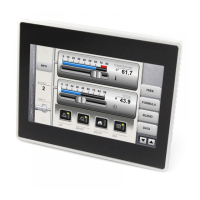
This Operating Instruction describes the main features of the operator panels. The Guide refers to the
following models:
eTOP504 Operator interface with TFT color 4,3” display touchscreen
eTOP506 Operator interface with TFT color 5.7” display touchscreen
eTOP507 Operator interface with TFT color 7” widescreen display touchscreen
eTOP507M Operator interface with TFT color 7” widescreen display touchscreen, 1GHz CPU
eTOP510 Operator interface with TFT color 10.4” display touchscreen
eTOP512 Operator interface with TFT color 12.1” display touchscreen
eTOP513 Operator interface with TFT color 13.3” widescreen display touchscreen
eTOP515 Operator interface with TFT color 15” display touchscreen



 To Next Page