13
6. How to record videos and configure recording setting
6.1. Video Recording
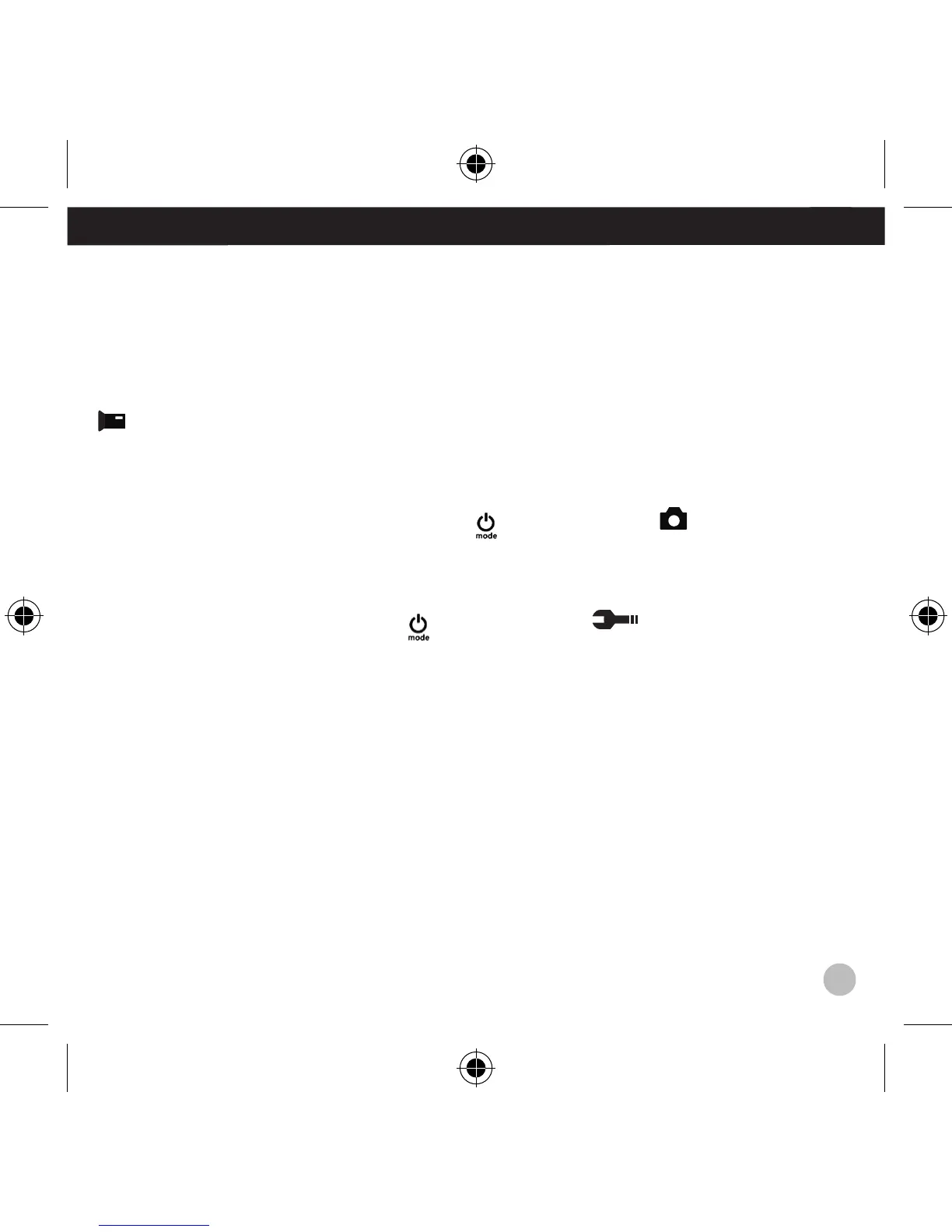
Turn the camera on. You will start with the video recording mode. There will be an
icon in the upper left corner. Insert a SD card and start recording by pressing “OK.”
Press “OK” again if you want to stop the recording.
6.2. Photo shooting
Switch to photo shooting mode by pressing [
]. There will be an icon in the upper
left corner. Press ”OK” to take photos.
6.3. Setting
Switch to setting mode by pressing [
]. There will be an icon in the upper left
corner. Press “OK,” “UP,” or “DOWN” button to set.
6.4. File Storage and Play back
After you have finished recording use a USB cable to export the videos onto a computer
for play back. You can also take the Micro SD card out and access the image data with a
card reader.
EN


 To Next Page