4
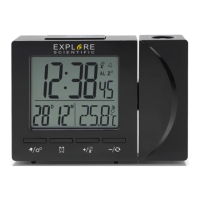
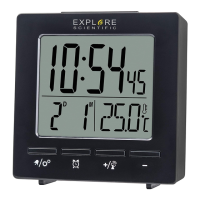
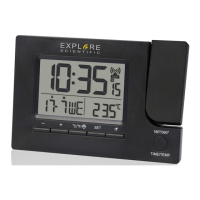
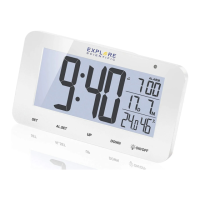
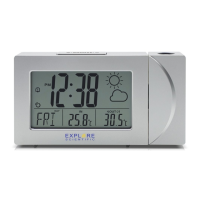
PRODUCT OVERVIEW
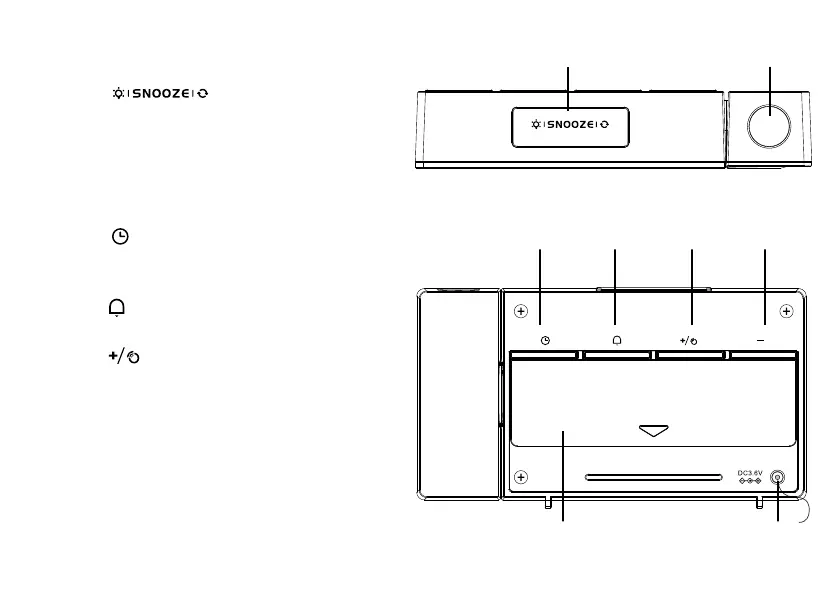
1. Press [ ] to activate backlight
and projection for 5 seconds or to activate the
snooze function to delay the alarm by 8 min-
utes. Press and hold to set projection on or off
(only with AC/DC Adapter).
2. Projection lens.
3. Press [
] to switch between current time,
date or alarm 1/2 displays for 5 seconds. Press
and hold to enter setting mode.
4. Press [
] to toggle alarms on/off. Press and
hold to enter alarm setting mode.
5. Press [
] to initiate RCC* receiving. Press
and hold to set RCC on or off. In time or alarm
setting mode, press to increase one unit, press
and hold to increase rapidly.
*Radio-controlled clock function not available in every territory


 To Next Page