4-Port SATA3 RAID/HyperDuo PCIe(x2) Card
9
2. Reboot the system to let the drivers take effect.
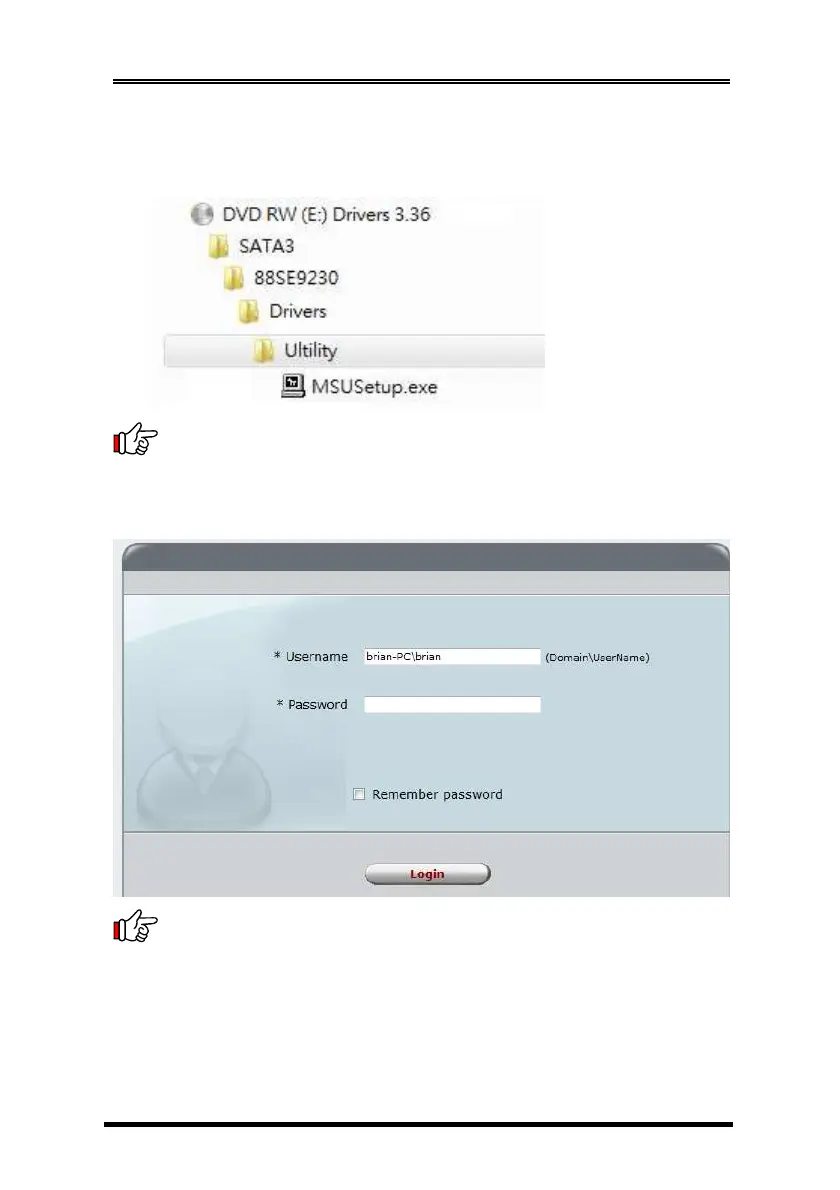
3. Run the RAID GUI installer
(\SATA3\88SE9230\Utility\MRUSetup.exe) to install the RAID Utility.
Note:
After the installation, you must login the utility with the
same account name and password that you use to login the
operating system. If you did not set the account password before,
click Login to enter the Marvell Storage Utility (MSU) directly.
Note:
Please refer to the manual file of Marvell Storage Utility
(MSU) on the CD (in the same folder as the drivers) for more detail
operations.



 To Next Page