3
1. Use static electricity discharge precautions.
Remove possible static discharge potential from any objects that the
Adapter may come in contact with before installation. This can be
accomplished by touching a bare metal chassis rail after you have
turned off the power.
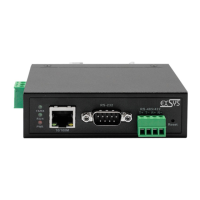
2. Attached the DC power source: there are 2 connectors can be added
the power to the unit. One is the DC Jack (by the AC /DC Adapter) and
the other is the 2-pin terminal blocks.
3. Connecting LAN cable: Use a standard straight-through Ethernet cable
to connect to a Hub or Switch. If you connect the USB Server to your
computer’s Ethernet port instead, you don’t need to change to a
cross-over type cable since the Adapter provides auto cross-over
feature.
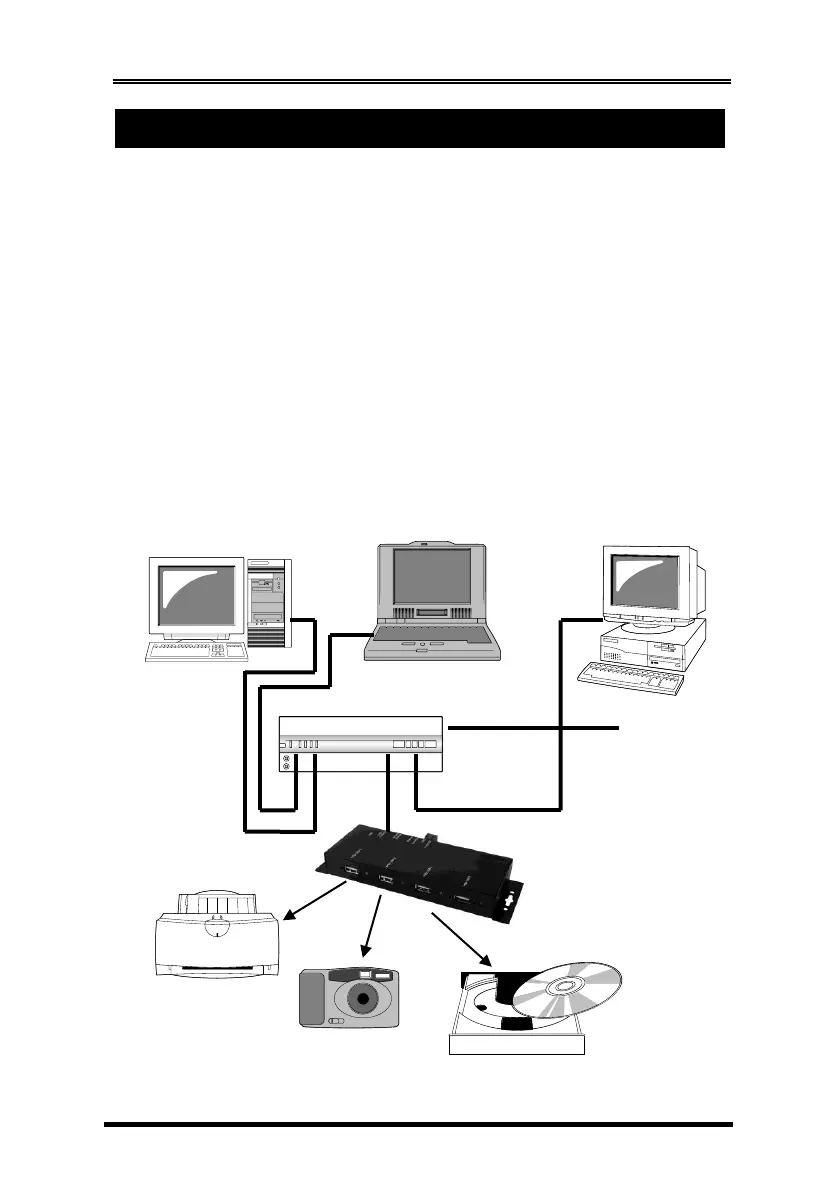
4. Connect the USB Server’s USB ports to your USB devices.
Typical Connection Diagram:


 To Next Page
 Loading...