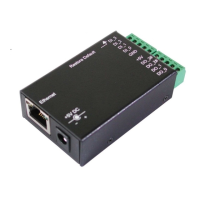
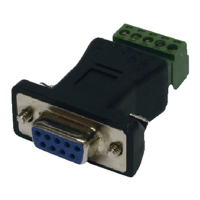
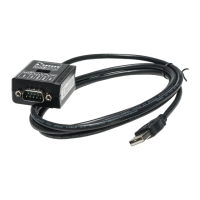
8-line Digital I/O to Ethernet Adapter
9
Server without connection.
IO Extender Master
, uses Master Server protocol,
passively waits for IO Extender Slave
IO Extender Slave
, uses Slave Client protocol,
actively connects to IO Extender Master
socket port
Only valid
for TCP client, UDP, IO Extender Slave
modes:
Enter the Server IP address and port number
set in TCP client or UDP client mode.
Enter IO Extender Master’s IP address
number when set in IO Extender Slave mode.
TCP
timeout (minutes)
# of minutes the socket port has been idle to
terminate the connection.
0: Never terminate the connection (default)
1-99:
Terminate the connection if the socket port is
idle for this time period (minutes).
Device ID
User assigned device ID number, acceptable
range is 0 to 65535.
Device Name
16 characters maximum, to describe the
application facility.
Device Model
16 characters maximum, to indicate the
application device model number for
management.
Setup password
The login password can be empty or 1 to 15
characters long. If the password
password is required for login.
This section will introduce some examples to control the DIO lines of
this Adapter. We are using a Terminal Emulation Program (such as
HyperTerm or TeraTerm) to send control strings over the TCP/IP socket
port.
HyperTerm is a Windows based utility for Windows XP or earlier version.
However, it is not bundled in Vista or later Windows version.
As shown in the HyperTerm examples, the application software can
read or write the string (in ASCII code format) on the TCP/IP socket
port to check or change the Adapter’s state.
5. Examples for Controlling DIO Lines


 To Next Page
 Loading...