CFI EXTEL eWatch - 06/2017
CFI EXTEL eWatch - 06/2017
GB2
eWatch
Fill in the email and username elds. Click “code véri cation“ (“veri cation code“). You will receive
an email containing a 4-digit code. Enter this 4-digit code (warning: you only have 5 minutes to
enter this code). Enter a password twice (maximum of 6 characters).
Click “ naliser“ (“ nish”) to create your account.
3 – Registering the camera
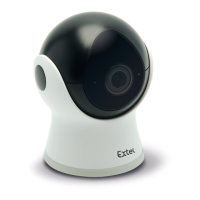
Connect the camera to the power supply. The LED indicator lights up and, after a few seconds,
fl ashes and emits a ringing tone. If not, press and hold the reset button on the back of the camera
for 5 seconds. Warning:
No user should already be registered on the camera.
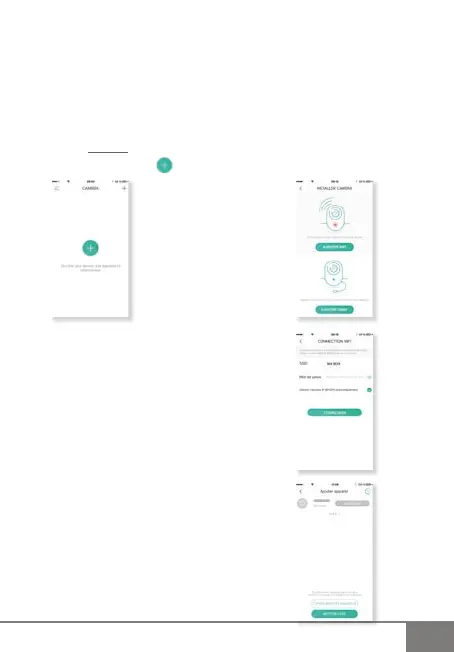
Open the application and click
Click “ajouter WIFI “ (“add WI-FI”)
The box to which the smartphone is connected
will appear. Enter the password for the box and then
click “connexion“ (“connect”).
The camera will beep and after 1 minute the camera’s
serial number will appear. Click “ajouter“ (“add”) in
green. After a few seconds, “ajouter“ (“add”) will turn
grey.
The camera is ready to use.


 To Next Page