CFI EXTEL eWatch - 06/2017
GB1
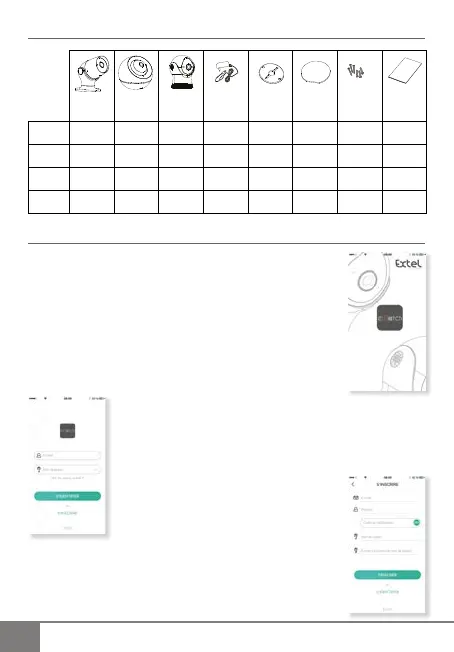
CONTENTS OF THE KIT
External
camera
Motorised
camera
Fixed
camera
Cable
Power supply
Installation
mount
Adhesive for
the mount
Pack of
screws
Quick
start
guide
eWath
220
eWath
320
eWath
410
eWath
420
SETTING UP THE CAMERA
1 – Downloading the application
Download the free “ExtelWatch” application from the App Store/Google
Play. On Android devices, a location authorisation window may appear.
Click “accept”.
2 – Opening the application
<
If you are a new user, you will need to create
an account. Click “s’inscrire“ (“register”).
>
If you already have an account,
ll in the email and password elds
then click “s’identi er“ (“log in”).


 To Next Page