EasyManua.ls Logo

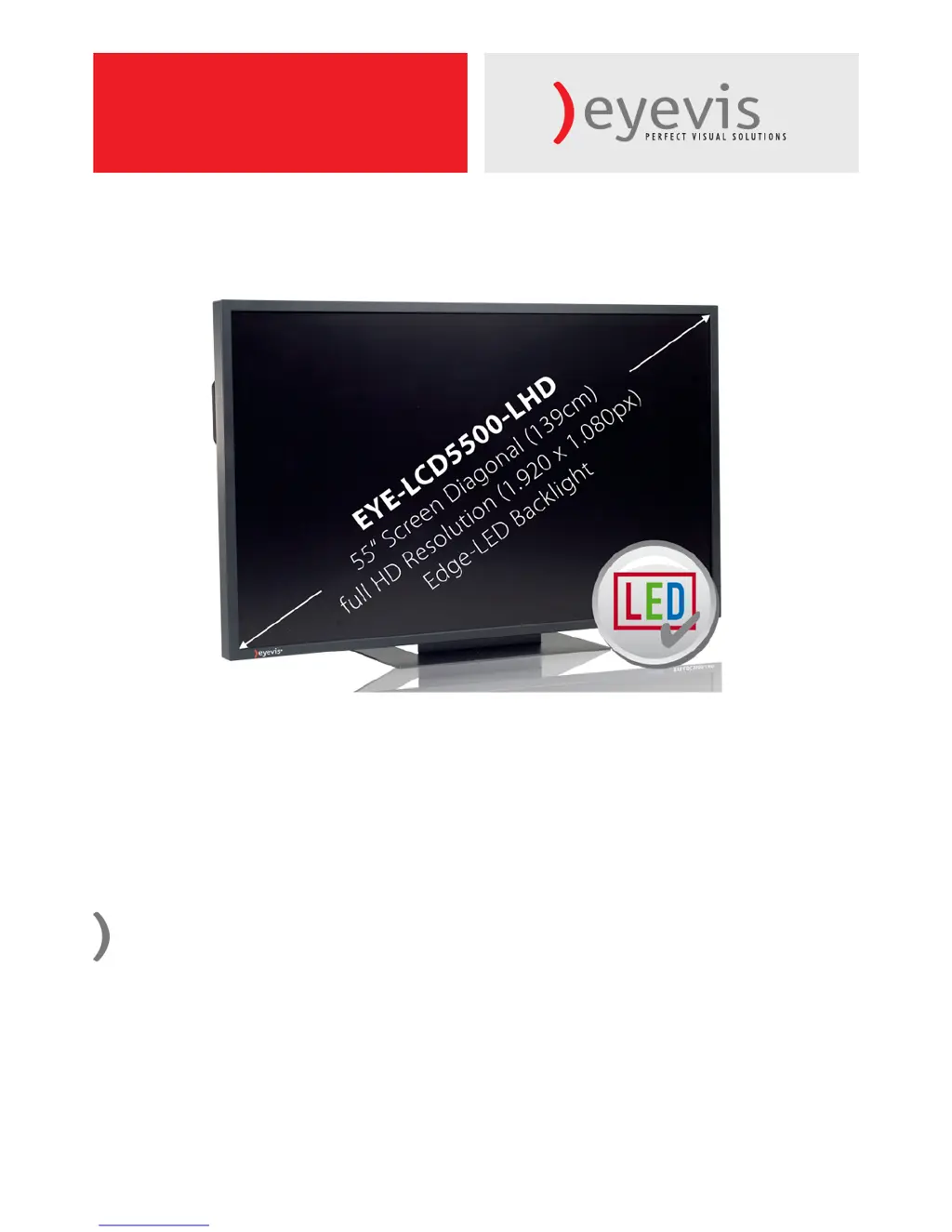
Eyevis EYE-LCD-5500-LHD - User Manual

Default Icon
51 pages
Print Icon
To Next Page IconTo Next Page
Loading...
 EYELCD5500LHD
Users Manual
Version 1.1 (June 2011)
EYE-LCD-5500-LHD

Questions and Answers

  • W
    William JohnsonAug 11, 2025
    What to do if the Eyevis TV remote control doesn’t work?
    • J
      Jennifer FoxAug 11, 2025
      If your Eyevis TV remote control isn’t working, first ensure that the batteries are fresh and correctly installed. Also, make sure you are aiming the remote at the IR sensor located on the front of the display.
  • R
    restradaAug 19, 2025
    How to troubleshoot no display on Eyevis TV?
    • S
      shawjonathanAug 20, 2025
      If your Eyevis TV has no display, verify that the power plug is correctly installed at both ends. Also, check that the main power switch is set to the “—“ position and that your source equipment is operating correctly. Ensure the input signal is compatible with the display.
  • A
    Andrew Valenzuela DVMAug 30, 2025
    Why does the picture color look poor on my Eyevis EYE-LCD-5500-LHD TV?
    • V
      Vanessa BrownAug 30, 2025
      If the picture color on your Eyevis TV looks poor, start by checking the picture settings and try resetting the display. If you're using YUV terminals, ensure that the cables are correctly connected.

Eyevis EYE-LCD-5500-LHD Specifications

General IconGeneral
Screen Size55 inches
Resolution1920 x 1080 pixels
Panel TypeLCD
Brightness700 cd/m²
Aspect Ratio16:9
Weight32 kg
Viewing Angle178°
Response Time8 ms
InputsHDMI, VGA, Composite, Component
Operating Temperature0°C to 40°C
Storage Temperature-20°C to 60°C