Eyoyo (EY-017P) Clip on Barcode Scanner Configuration for
Bluetooth LE
https://www.amazon.com/dp/B0B8CZ9PLP?psc=1&ref=ppx_yo2ov_dt_b_product_details
IMPORTANT: Before proceeding if using Android, BCS App version 4.4.10 is required, for iOS, version 22.1.4
is required. You can find your software version in the BCS App, Settings, Device Info
IMPORTANT: Verify Bluetooth is turned on on your phone/tablet/device. Depending on you device software,
you may also need Location to be turned on as well.
1. First turn the device on by momentarily pressing one of the scan buttons. Next reset the scanner back
to factory defaults by scanning the following barcode
After scanning the ‘Restore Defaults’ barcode, the device goes to sleep, again press the scan button
momentarily one more time, to wake up the scanner
2. Put scanner in Bluetooth BLE mode
You will know if the scanner is in Bluetooth BLE mode by observing the flashes of the blue light on the
back of the device, it should be 2 quick flashes, followed by a short pause. If not carefully repeat Step
1 & 2 again

 Need help?
 General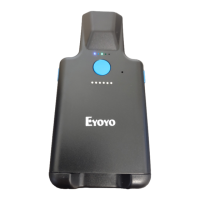

 To Next Page
