2
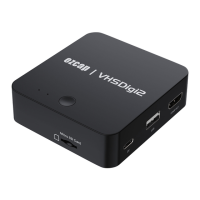
1. VIDEO AUDIO IN – RCA Composite video and L/R audio input from video source
device such as VHS. Yellow = video, white = audio left channel, red = audio right
channel. (The video source device should include the video cable, usually it is the
3RCA to 3RCA male cable or 3.5mm to 3RCA male video cable)
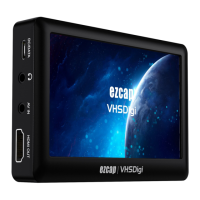
2. HDMI OUT – Connect to TV or monitor to display video with HDMI Cable. (HDMI
Cable is not included.)
3. USB – Plug USB drive to save recorded video files.
4. DC – Connect to 5V DC power with USB-C to USB-A cable. (Power adapter is not
included)
5. Micro SD card – Plug Micro SD card to save recorded files.
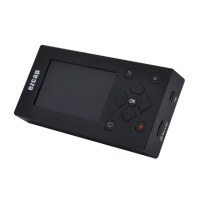
6. Record Button – Press to record video, press again to stop and save file.
7. REC LED –The red recording indicator light,it will flash for a few seconds when the
USB drive or Micro SD card is inserted and then stays on, it means USB drive or
Micro SD card is ready. It flashes when recording. It will be off for few seconds and
then light when stop recording. If you remove the USB drive or Micro SD card, the
indicator light will be off.
8. PWR LED –Flashing a few seconds after connect power DC, then stays green.
Note: Please do not plug USB drive and Micro SD card at the same time. Supports FAT
and NTFS formats, does not support exFAT.


 To Next Page
 Loading...