If you choose OFF, the device will always work
Quality– Super Fine, Fine, Normal which bitrates is 22M, 17M, 14M for 1080P60 recording
Date Time – Set date and time.
Language – Set menu language.
Date Stamp – Add date stamp watermark on recorded video file.
Scheduled Recording – Device will automatically record video according to your settings, like one
time only or every day, recording length and start time.
System – Can check firmware version.
Format – To format the Micro SD card.
10. Press to switch device to playback mode, and back to previewing mode when device is in
playback mode.
11. At playback list, use to call out “delete” function
12. At recording, press to switch off screen displaying for saving power, press any key to turn
on.
13. When preview or recording and plug microphone into device, press left/right to set microphone
volume
14. When preview or playback, press up/down to set the volume of HDMI video source.
15. When playback, press left/right button to Rewind or Fast Forward
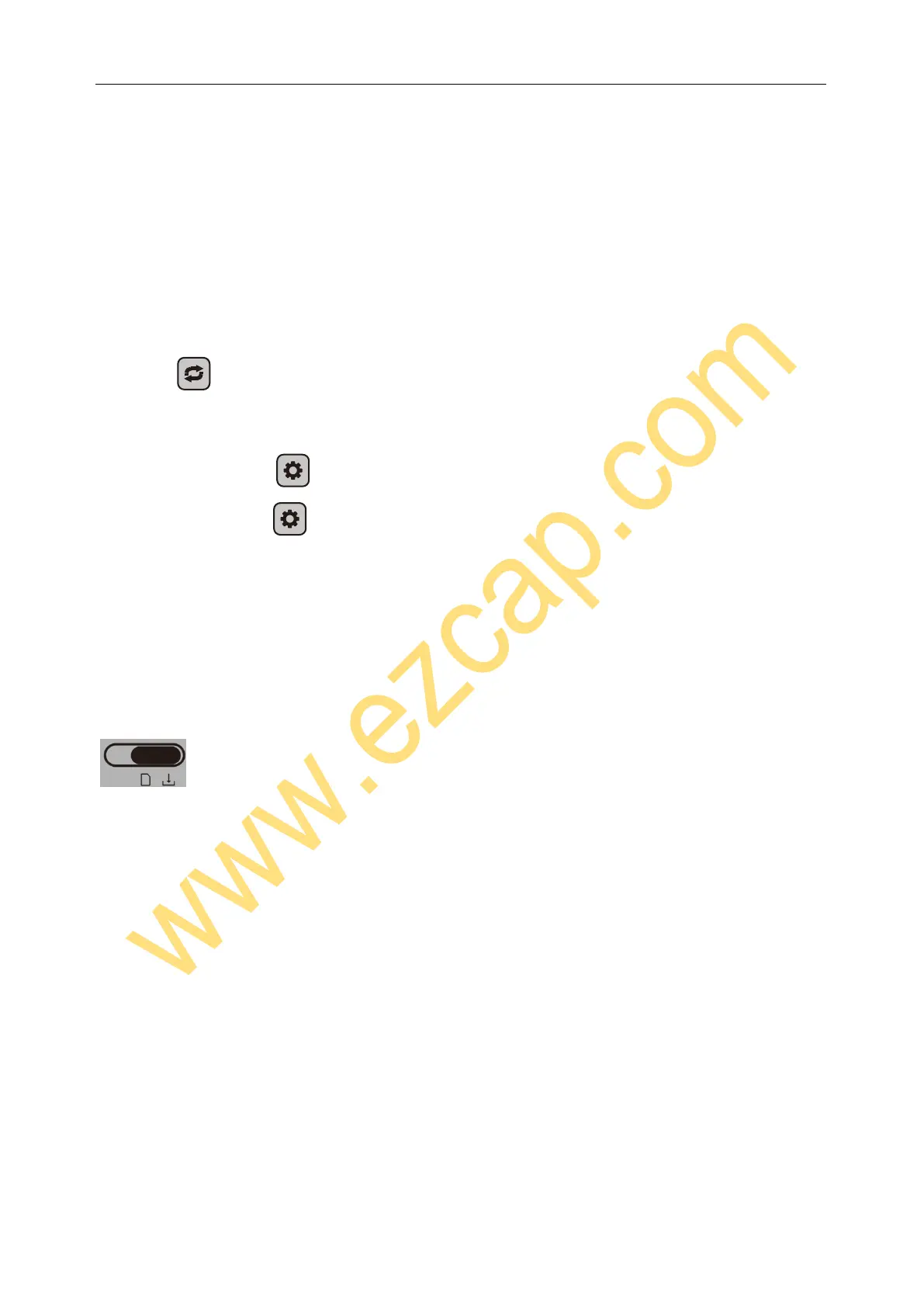
OFF / Transfer
Switch to OFF/Transferto turn off device.
Switch to OFF/Transfer and connect to computer, you can copy the recorded file out.
Switch to OFF/Transfer and connect to a 5V2A power adapter to charge device.
Note: If device went to dead, use a needle (stick) press the “Reset” key of product back first,
then switch device to OFF/Transfer, then to back ON/Record to turn it on again.


 To Next Page
 Loading...