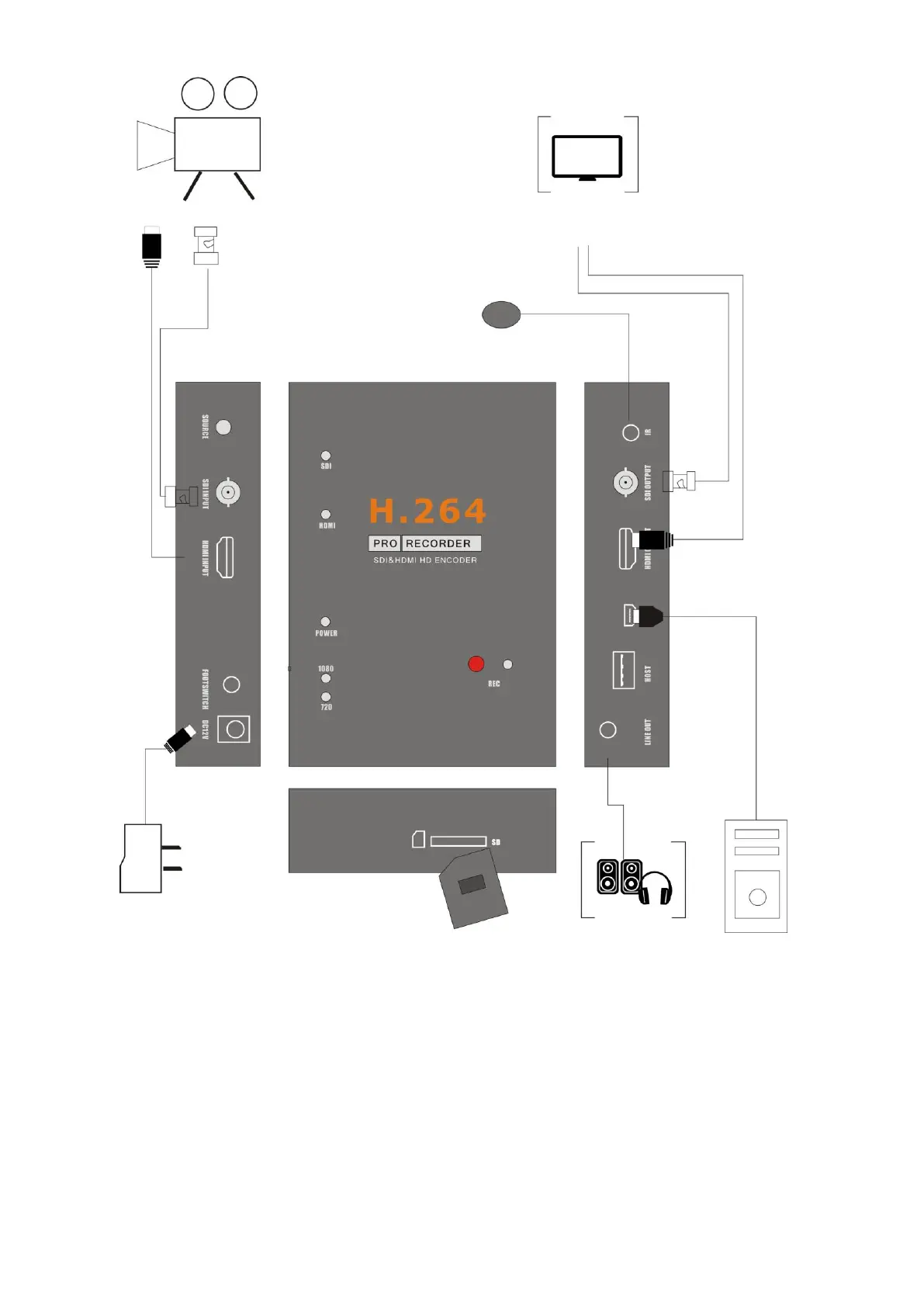
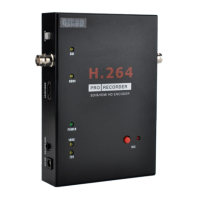
1, Connect power with DC adaptor, by DC12V or DC5V, you also can connect PC/DC5V to PC with
USB cable, but please don’t power together. And power LED and SDI video source LED will light.
2, Plug an USB disk or SD card, just don’t connect together.
3, Connect SDI camera or HDMI camera or other HDMI video source to HDMI input port.
4, With HDMI cable or SDI cable connect HDMI OUTPUT or SDI OUTPUT to monitor. Please use
HDMI OUTPUT to monitor if you input HDMI video source.
5, The “LINE OUT” is for connect to speaker or earphone, it’s not necessary if you don’t need, cause
the HDMI output also with audio output.


 To Next Page