6
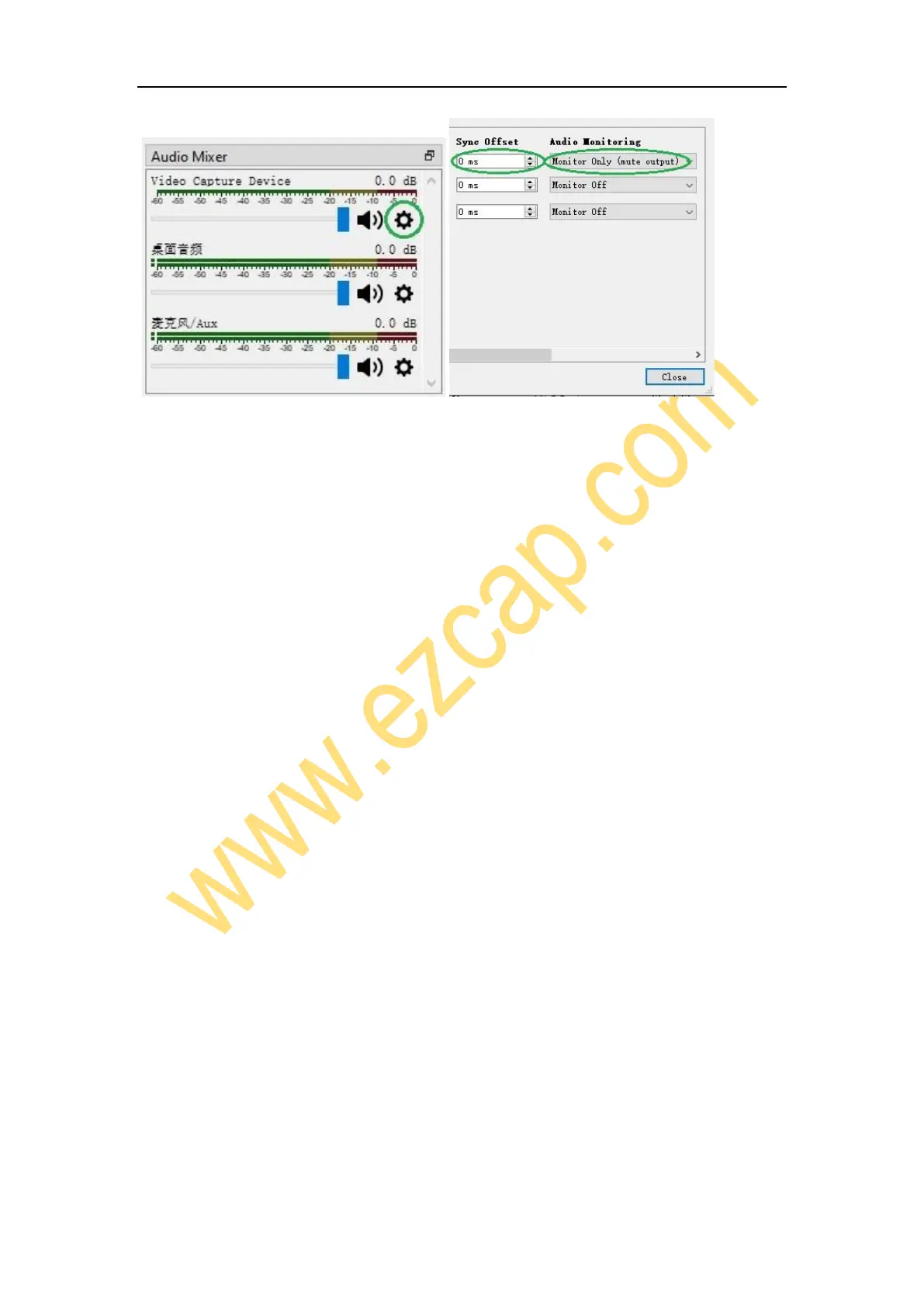
Maybe you hear the noise if the resolution is 3820 x 2160. Please click the drop box
next to Audio Output Mode as above picture, and change the selection from
Capture audio only to Output desktop audio (WaveOut) or Output desktop
audio (DirectSound).
Note: If you want to change video audio settings, please double click the name of
video capture device in Sources column, and change the settings you want as above
operations.
Recording
Click Settings in the low right conner of OSB panel, and click Video on the left in the
pop-up Settings window. Click the drop-down box next to Base (canvas) Resolution to
select the appropriate resolution, and click the drop-down box next to Output (Scaled)
Resolution to select the output resolution. Click the drop-down box next to Common
FPS Values to select the FPS values. If you want to record 120HZ video, please click the
drop-down box of Common FPS Values and select Integer FPS Values, then enter 120
in the window on the right.



 To Next Page