7
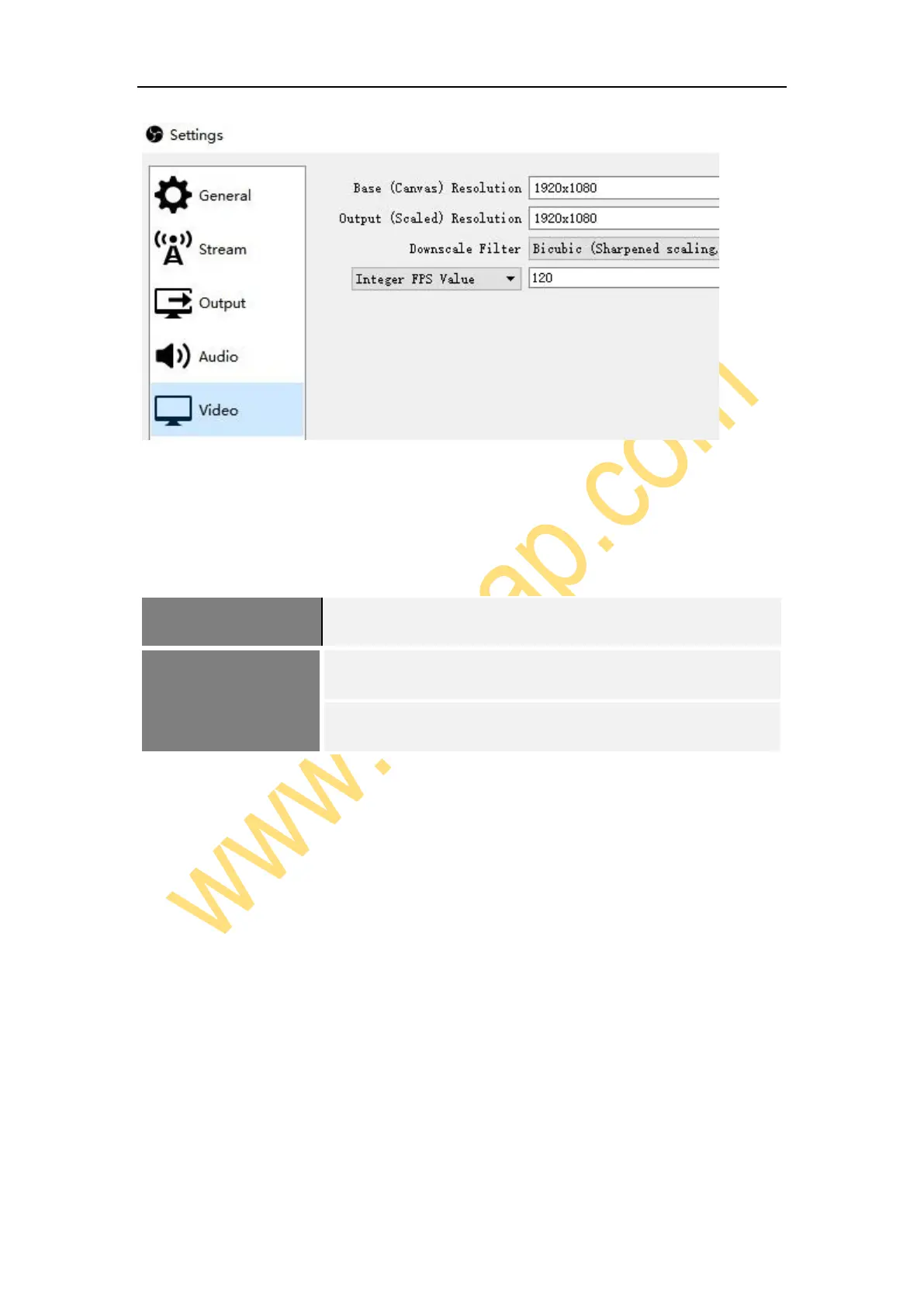
Click Output on the left of Settings window as above, in Recording column, you can
set Recording Path, Recording Quality, Recording Format, Encoder. If you want
record a better quality, one of the suggest setting is:
After setting, click Apply and Oki n the low right conner of Settings panel, then simply
click Start Recording in the low right conner of OSB panel to start recording videos,
and click Stop Recording to stop recording.
Streaming
Click Output in the Settings panel, in the Streaming column, set video quality for
streaming (adjust depends your computer, network speed), then click icon Apply and
OK in the Settings panel. Click Stream in the Settings panel, then you can click the



 To Next Page