2. Press Power Button to ‘on’
5hrs
Unit is now in ‘standby mode’
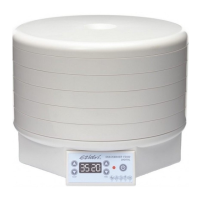
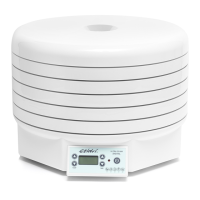
EZIDRI ULTRA FD1000 DIGITAL DEHYDRATOR
OPERATING INSTRUCTIONS
1. temPerature setting
Temp
Time
adjust up or down
from 30 – 70°c
2. timer
adjusts up or down
from 1 – 48 hrs
3. red indicating light
indicates when
Power is connected
4. PoWer sWitch
on and off
oPerating instructions
1. connect to mains power supply
Buzzer will ‘beep’ once with red light
Buzzer ‘beep’, display shows
Temp. 30ºC and Timer
3. set temperature
Adjust as required in 5°C increments
4. set timer
Adjust as required in 1hr increments
5. Press Power Button
Unit commences operating.
The Temperature setting (in 5ºC adjustments) and the Timer setting (in 1 hour addi-
tions). For quick adjustment the buttons can be held down for rapid change for both
the Time & the Temperature.
At the completion of the ‘Set Time’ the unit will revert to 30°C and continue to operate
until the unit is turned off.
note:
The Temperature and/or the Time, cannot be altered while the unit is running. To
change settings, press the Power button, unit will stop, then make any adjustments to
Temp. or Timer and then press the power button again to recommence operating.
6. to turn the unit off
Press the power button for 2 seconds


 To Next Page
 Loading...