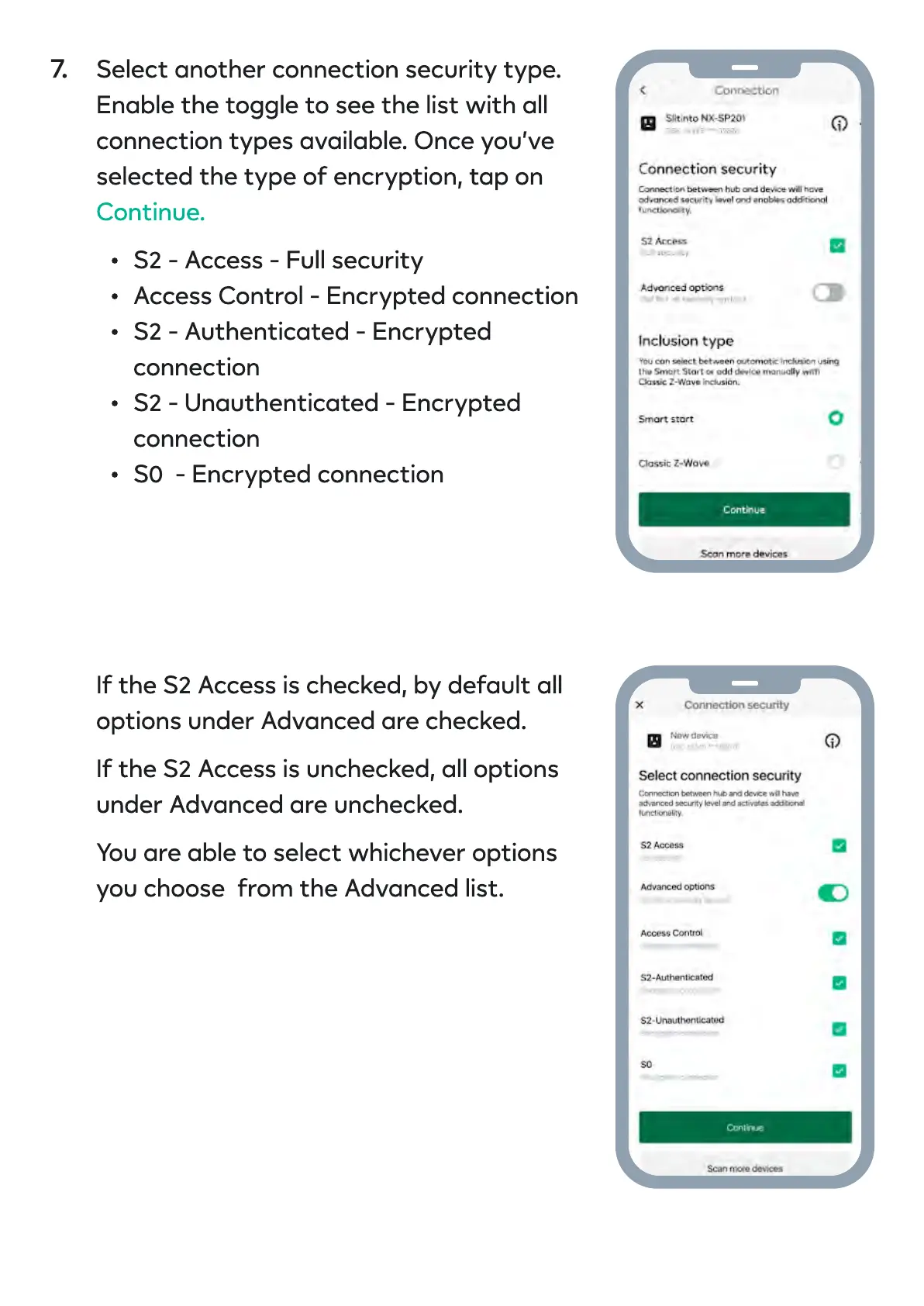
Select another connection security type.
Enable the toggle to see the list with all
connection types available. Once you’ve
selected the type of encryption, tap on
S2 - Access - Full securit
Access Control - Encrypted connectio
S2 - Authenticated - Encrypted
connectio
S2 - Unauthenticated - Encrypted
connectio
S0 - Encrypted connectio
Continue
If the S2 Access is checked, by default all
options under Advanced are checked
If the S2 Access is unchecked, all options
under Advanced are unchecked
You are able to select whichever options
you choose from the Advanced list
7.


 To Next Page
 Loading...