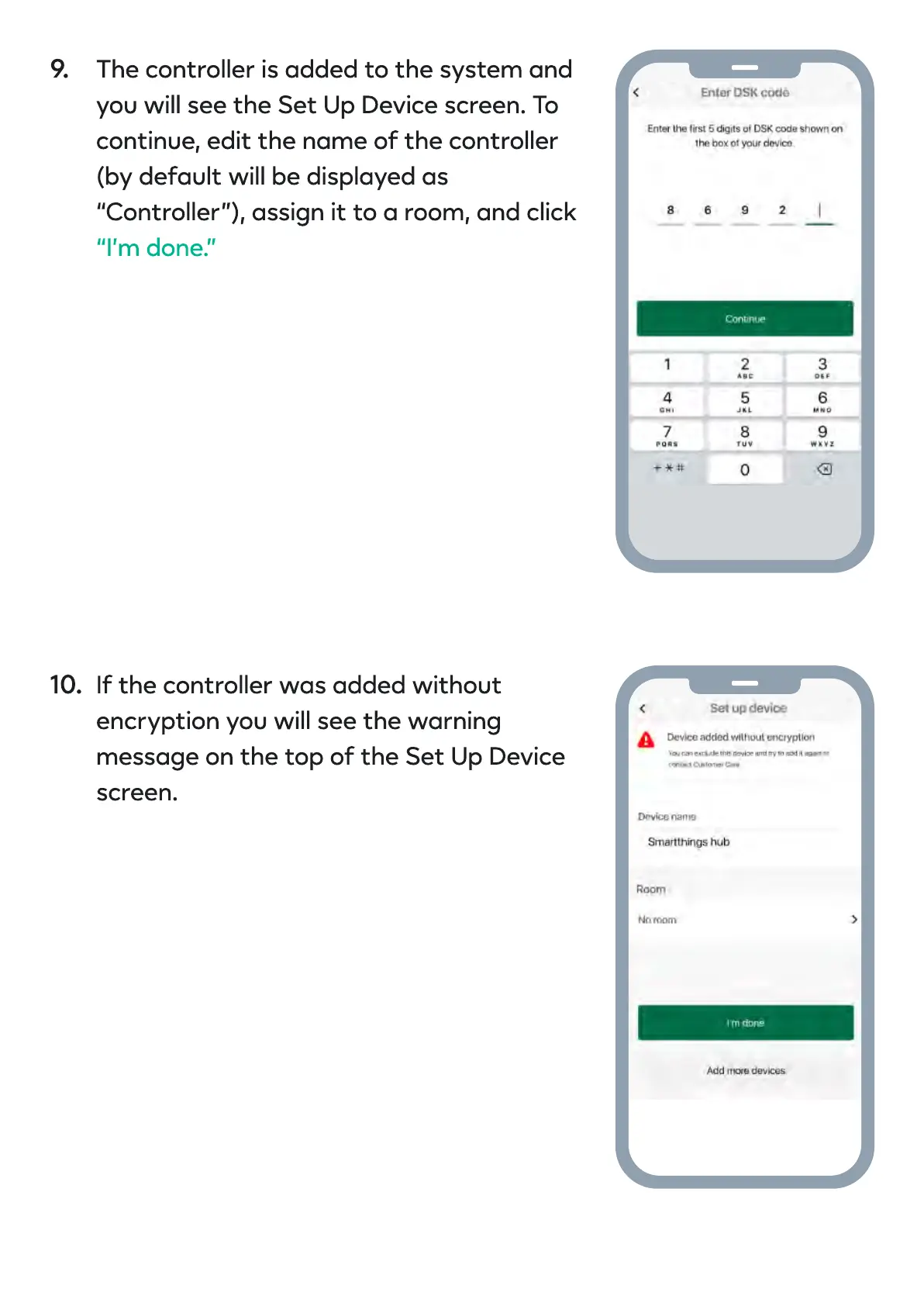
The controller is added to the system and
you will see the Set Up Device screen. To
continue, edit the name of the controller
(by default will be displayed as
“Controller”), assign it to a room, and click
“I’m done.”
If the controller was added without
encryption you will see the warning
message on the top of the Set Up Device
screen.
9.
10.


 To Next Page