3. Filter button (FILTER) to use, in the case of a sine wave, press this key, reduces
distortion sine waveform smoother. In addition to the case of square wave, other
waveforms may also be filtered according to the actual function. In the case of a
square wave, if you are using filtering function waveform edges will be significantly
slower.
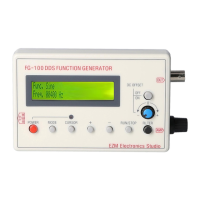
The DC offset (DC OFFSET) used, in the case where the DC offset is not used, the
output waveform is the zero level of symmetry. If you want such as the bottom of
the square wave is 0 level, you can press DC offset button, and then use the DC
offset potentiometer to adjust to the desired results. General DC offset button
should be lifted, that is turned off.
The file translated by google translate,may be hard to read,sorry for any trouble.
Any trouble, please contact customer-services@totmc.com


 To Previous Page
 Loading...