USING THE TIME MODE
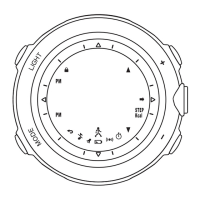
Press the MODE button until you get to Time mode.
Press and hold the LIGHT button for 2-3 seconds to enter the time setting screens.
Press the ST/STP(+) or RESET(-) buttons to adjust each value starting with “hour”.
Press and hold these buttons for fast-paced setting.
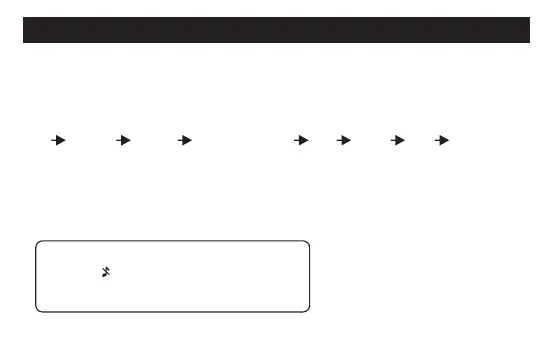
Press the MODE button to advance to the next setting value in this order:
hourminutes second 12/24 hour format year month date key tone on/off.
Repeat these steps for all time setting options.
Press the LIGHT button to save and exit time setting.
For using time zone 1(T1) and 2(T2):To view T1 or T2,press the RESET button.
To change the displayed time to T1 or T2,press and hold the RESET button.
6
Special note: when the key tone is turned
OFF, the icon will be displayed in Time
mode.



 To Next Page