Installation Instructions
1. insert a memory card: please note the recorder video must use high speed card (above CLASS10).
2、
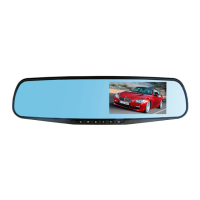
Hook the device to the original rear view mirror on the car
3、Connect the power supply
Please use the usb cigarette charge in our package for proper voltage and current. The improper charger may result
unknown problems to this device.
4、Power o
n / off the device
Automatic on / off: if the power cable is well plugged in, when the car is started, the unit will power on automatically; when
the car is engine off, the unit will power off in 15 seconds.
Manual on / off: Press and hold the power button to manually power on /off the unit.
Note: Please format the card before you use it for recording the video.


 To Next Page