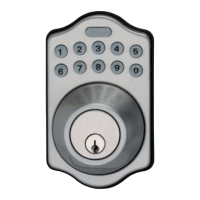
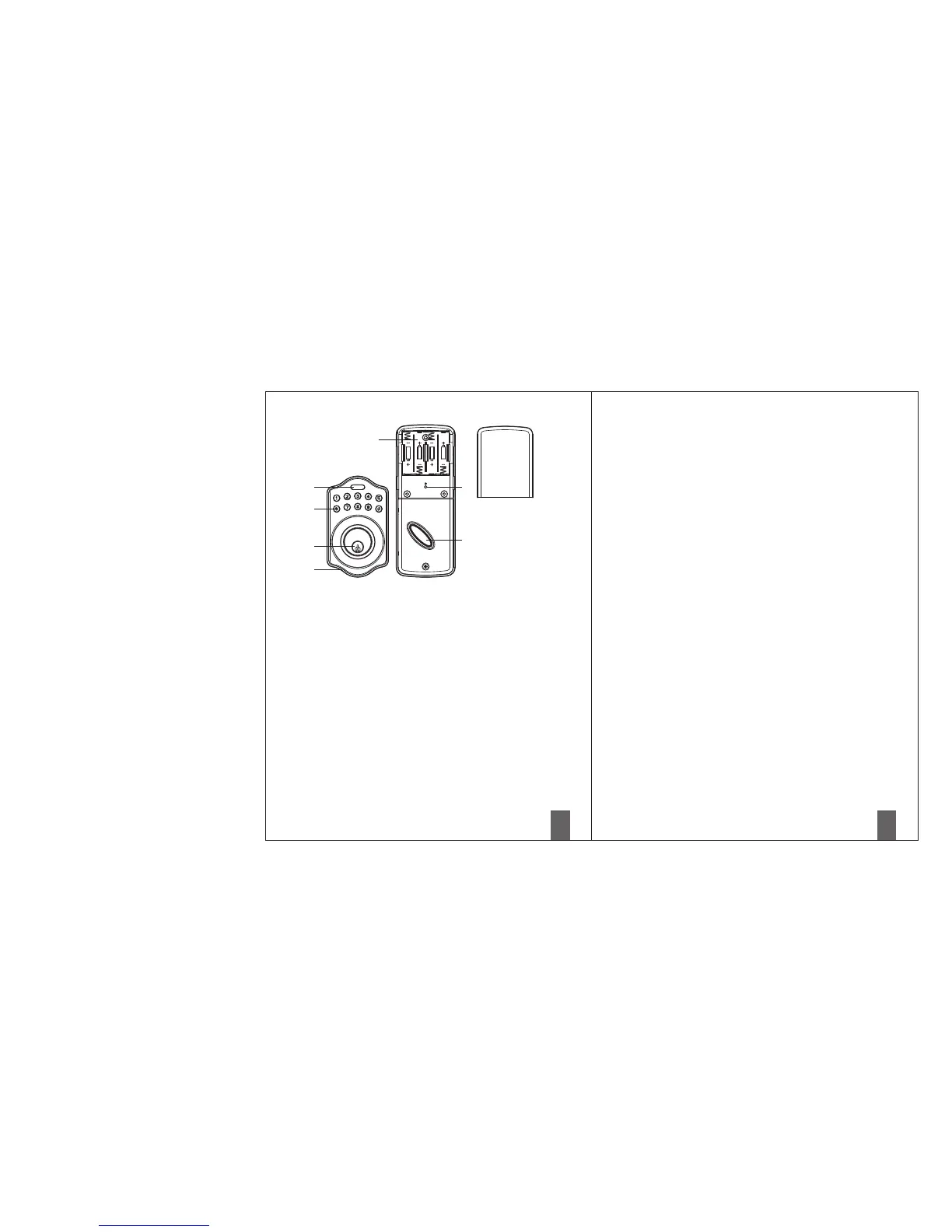
Programming Button
Programming Button is for entering codes, clearing errors and setting function.
It's also lock button.
Number Buttons
Input the pass codes, each pass code is 4-10 digits in length.
Cylinder
Retract / Extend the latch bolt by key from exterior.
Washer
Prevent water permeating into lockset.
Battery Lid
Slide the lid to change the batteries or restore default setting.
Battery Holder
Four AA(1.5V)Alkaline batteries.
R Button (Reset)
Restore default setting.
Turn-Piece
Retract/Extend the latch bolt from interior.
■
Specification/Function
1.Battery
Four AA(1.5V)Alkaline batteries.
2.Low Battery
2-1 The batteries should be changed immediately once you see the LED flashes in red
and hear constant beep sounds for about 10 seconds when press programming
button.
2-2 All settings are retained in the memory and will not be affected even if the battery
is completely dead.
2-3 The lock still can be operated by key even there is a power outage.
3.LED Indicator
3-1 LED flashes green once when successful operation.
3-2 LED flashes green twice when successful programming.
3-3 LED flashes red 3 times when there is an operation error.
3-4 LED flashes red 5 times when codes input error, the operation will stop for system
protection (Refer to 17).
3-5 LED flashes orange 3 times when system has been restored to default setting.
3-6 LED flashes orange slowly while in programming mode.
4.Audio Indicator
4-1 1 beep sound indicates a successful operation.
4-2 2 long beeps indicate a successful programming
4-3 3 beeps indicate an operation error.
4-4 3 long beeps indicate that system has been restored to default setting.
4-5 5 beeps when codes input error, the operation will stop for system protection.
(Refer to 17)
4-6 10 rapid beeps indicate the power of battery is low.
5.Programming Code
5-1 The preset Programming Code is 0000. Please delete it and create your personal
code when first time operation.
5-2 Only one set of Programming Code for function setting.
5-3 Programming Code is only for function setting, you can't unlock the door by
pressing Programming Code.
5-4 Programming code is 4-10 digits in length.
5-5 Programming code can be changed anytime if needed.


 To Next Page
 Loading...