4
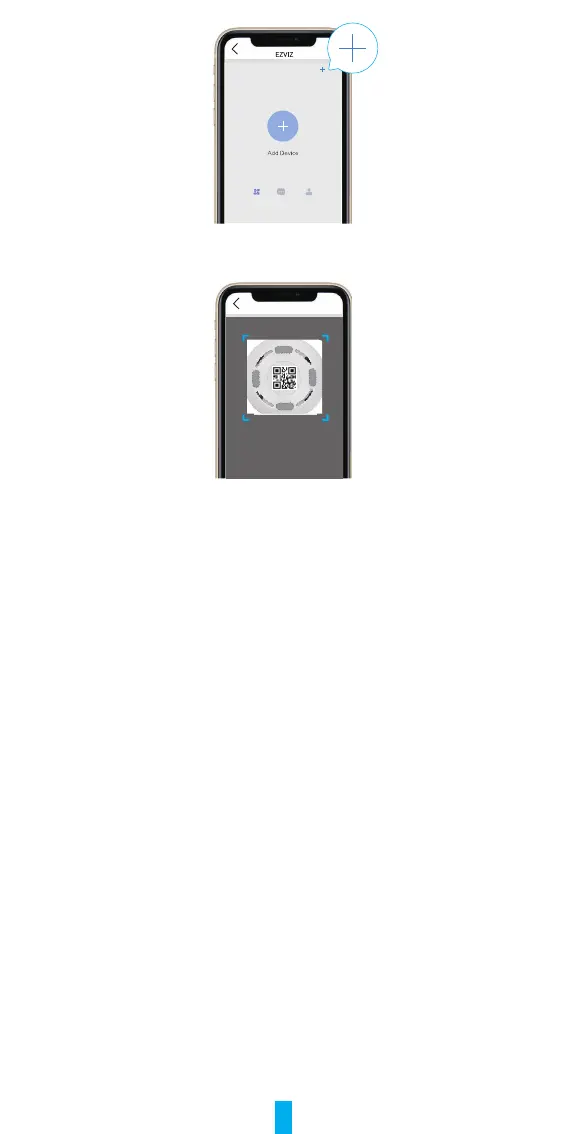
2. Scan the QR code at the bottom of the gateway or on the cover of the user
manual.
Scan QR Code
3. Add the gateway by following the wizard on the app.
2� Add Sub Devices
1. Press the function key of the gateway once to make the gateway enter device
addingmode,andtheLEDindicatorringisinslow-ashingwhite.
2. Make sub devices enter adding mode as instructed by user manuals of sub
devices.
3. There will be voice prompt reminding you that sub devices have been added
to the gateway automatically.


 To Next Page