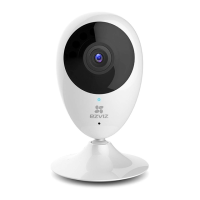
2
-
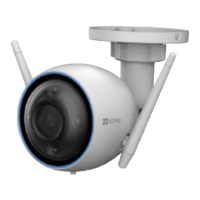
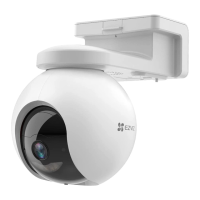
Scan the QR Code on the bottom of the camera.
Bottom of the
Camera
-
Follow the EZVIZ app wizard to nish Wi-Fi conguration.
Please make sure your phone is connected to the 2.4GHz
Wi-Fi from the router for Wi-Fi conguration.
3. Change the default password (Optional)
After adding the camera, you are required to change
the device password to ensure your video security. The
password is used for the Image Encryption. If you turn
on the Image Encryption, you are required to input your
password when you live view or play back the camera.
-
Go to the camera settings screen to change the default
password.
-
Tap on “Change Password”.
-
Tap on “Edit”.
-
Enter the original verication code located on the bottom
of the camera.
-
Enter the new password. Please use letters and numbers
between 6 to 12 characters.


 To Next Page
 Loading...