3
Installation
Step 1 Install the Metal Plate (Optional)
Pick a clean and at surface and secure the metal plate
to the desired position with the foam stickers or screws
(not included).
There’s a magnet piece inside the camera. You can skip
this step if the surface is made of metal.
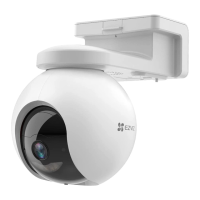
Step 2 Install the Camera
Secure the camera magnetically to the metal plate or metal
surface (see gure below).
Metal Plate
Foam Sticker
Step 3 Complete Installation
Adjust the camera angle as required.


 To Next Page
 Loading...